
Two Step Checkout
Checkouts are used to collect money from your customers. When a checkout button is clicked a payment capture will be attempted. If that is successful your checkout will move onto the next step in your funnel.
The First Step/Form Collects basic information and sends that over to the autoresponder immediately, the Second Step/Form screen then collects additional information such as billing address, card details, etc.
The selected autoresponder will not fire once the checkout process is completed, it fires only to let you know the customer has progressed past the 1st step.
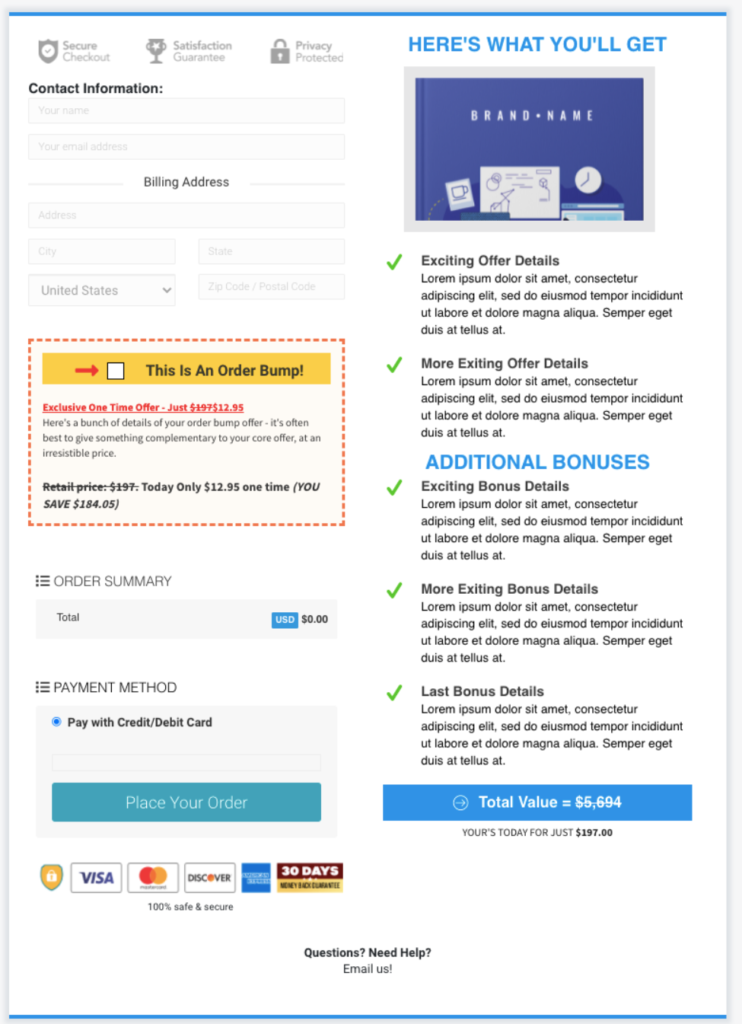
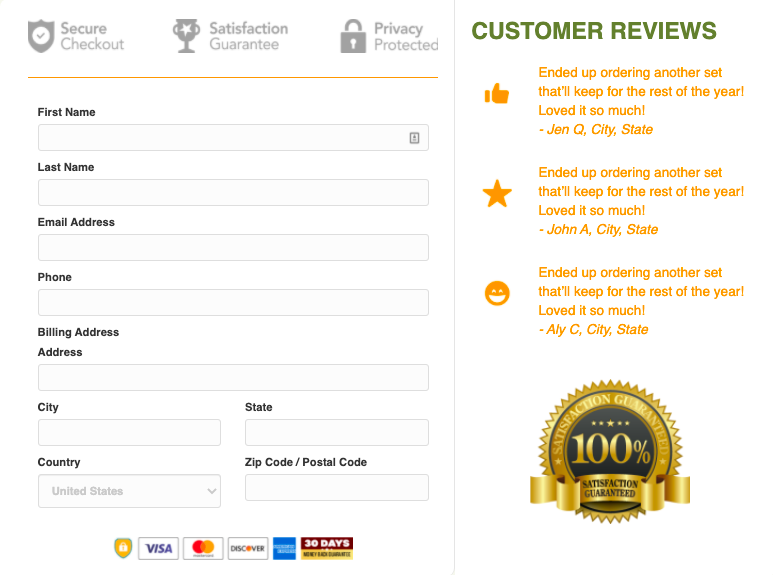
This module is required in integrating merchant accounts or payment processing accounts to collect payment from your customers. A Payment Gateway of your choice has to be integrated for this module to be used.
Payment Gateways that can be integrated with Clients on Automation Software are as follows:
Aside from Payment Gateway, an Autoresponder needs to be integrated with this module as well. Autoresponders are messages set to go out automatically after a contact subscribes to your list.
To view the full list of autoresponder that integrates with Clients on Automation Software, follow the link below:
Important Reminder in using this module:
- A product is needed for this module to serve its purpose.
- When using Paypal for the checkout, all required information or fields should be set to “Show” (like the phone number and billing address field). If you do not need that information, it is best to not include it by simply deleting the said unnecessary fields.
If your checkout form is not working, please check this troubleshooting article:
Helpful articles:
