
Quiz Module
The Quiz Module in Clients on Automation Software allows users to create dynamic and engaging quizzes for their funnels. It's a powerful tool for increasing user interaction, collecting valuable data, and personalizing the user experience.
To add a Quiz Module to your page
Step 1: Inside the page Builder locate the Quiz Module
Step 2: Click the "Quiz" module and drag it to your page inside the builder.
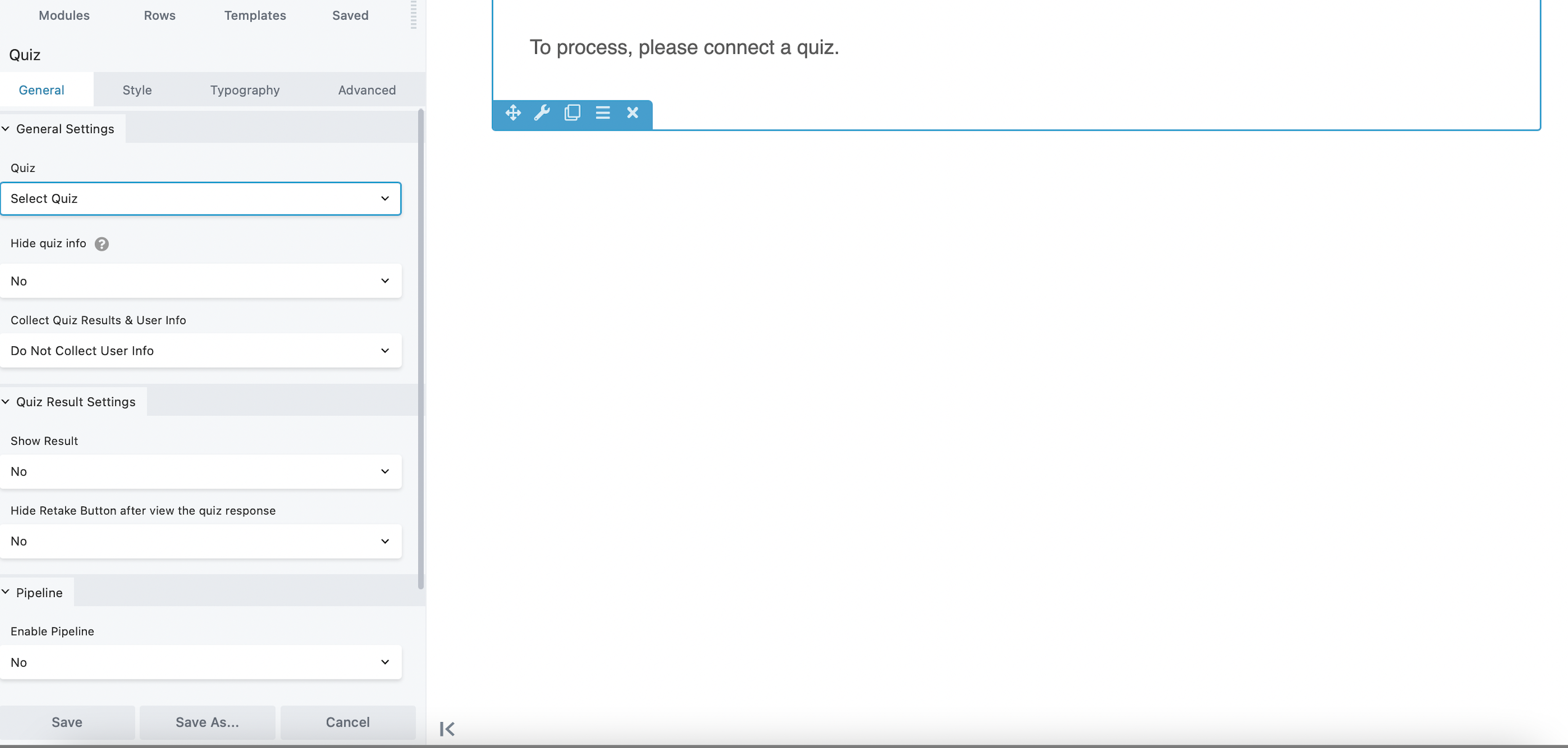
General Settings tab
Allows you to add a quiz and configure the quiz data you'd want to show to the users who will took the quiz.
Style tab
Style tab enables you to edit the styling of the quiz module.
Typography tab
The standard Typography section for the text displayed under the quiz module.
Advanced tab
There are all the usual Advanced tab settings for margins, visibility, animations, and advanced HTML settings.
Note: (For more information about Quizzes here's a guide on Course Quizzes and Lead Quizzes.)
