
Layout Templates Overview Clients on Automation Software Editor
Layout templates are prebuilt Clients on Automation Software Editor layouts that contain any combination of rows, columns, and modules. They can be used to create a new layout or they can be appended to or replace an existing layout in the content area of any page or post inside the Clients on Automation Software Editor.
There are two types of Layout templates.
The Page templates being offered for free and Saved Layout Templates you created.
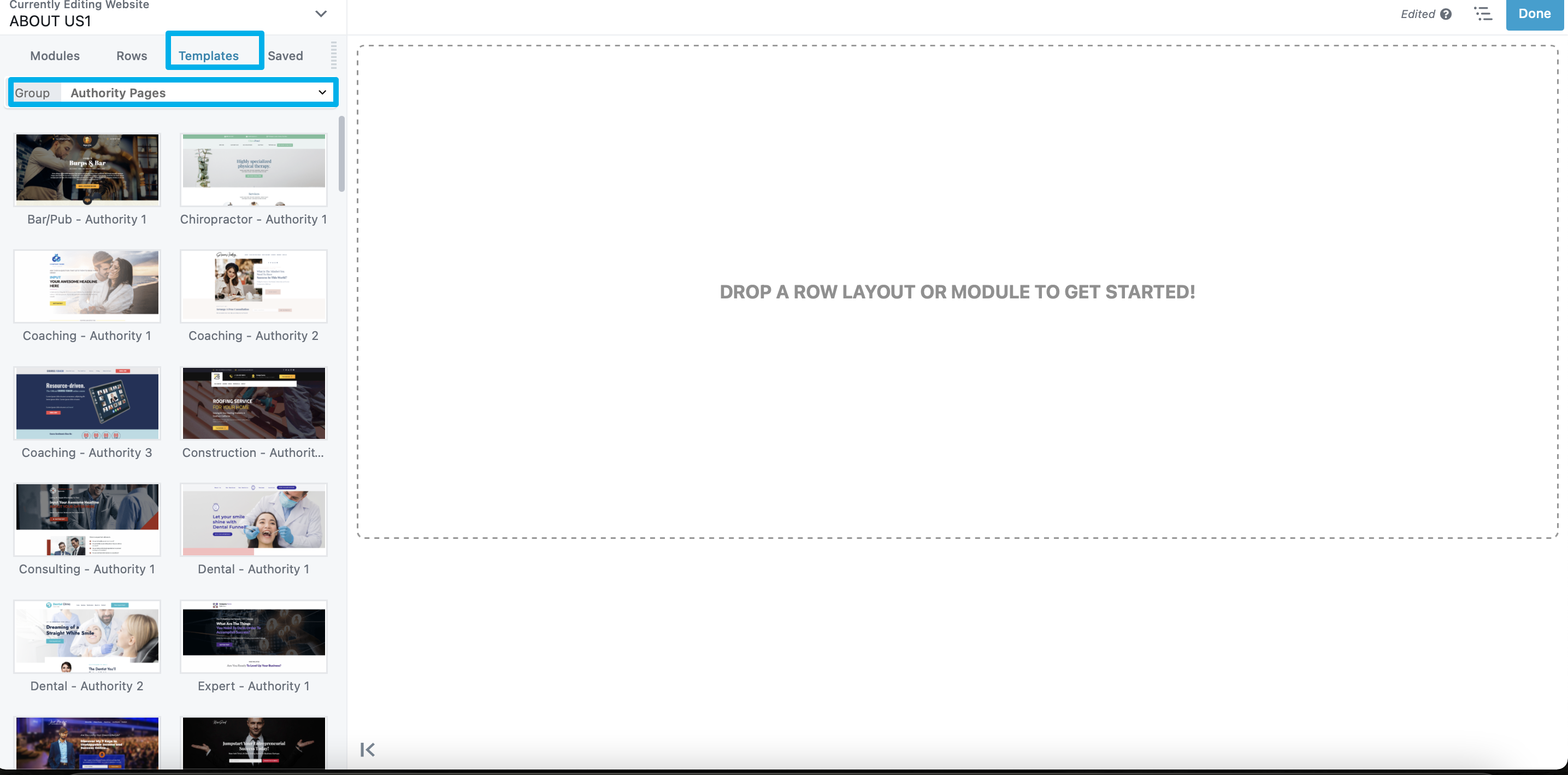
Saved layout templates
You can save the Clients on Automation Software Editor layout of any page or post as a template. This is useful in several ways:
-
- You want your site to conform to a layout across more than one page.
- You want to use the same layout or content on another site. In this case, you can export the saved template and import it in the other site.
- You want to share a layout with another person, or they want to share one with you. Here's a guide on Share Single Website Pages and Blog Posts To Other Accounts
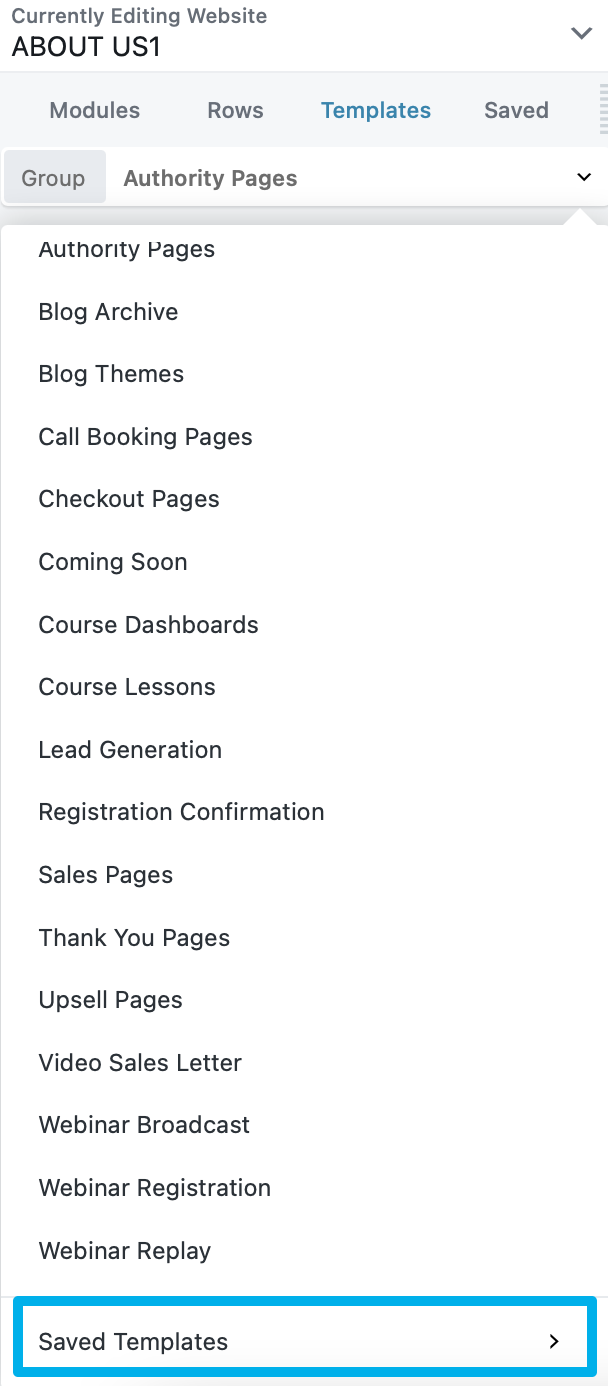
Note: Layout templates are NOT global. That means if you modify a saved template, it will not affect any pages that you've already added the template to. Nor will a change to any particular page with a template affect the saved template or other instances of it.
