Icon Group Module
The Icon Group Module inserts a group of icons and uniformly space them. You can add a link to each icon and add adjust the spacing between them.
To add an Icon Group Module to your page
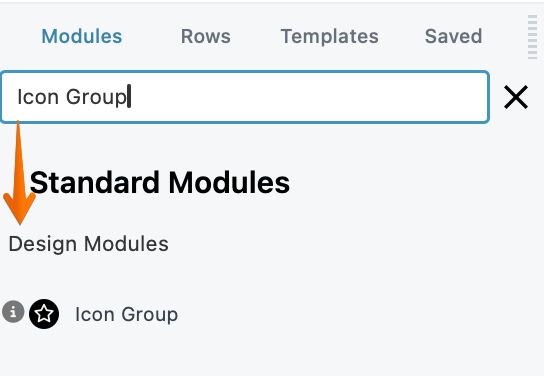
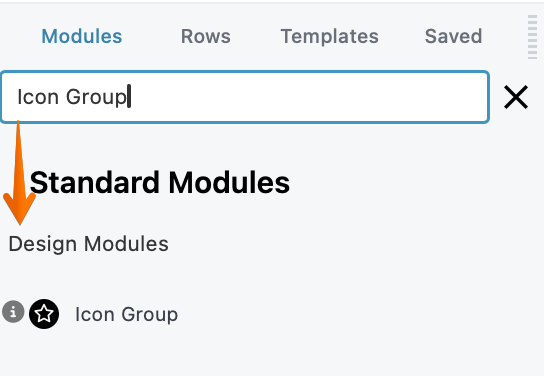
Step 1: Inside the page Builder locate the Icon Group Module
Step 2: Click the "Icon Group" module and drag it to your page inside the builder.
One good use for an icon group would be to display the icons for various credit cards. In this example, all of the icons were styled the same color. Another example is using the Icon group to display social media icons with links.

Related layouts
There isn't another module that's similar to the Icon Group module, but another way to group icons in a layout would be to use several Icon modules in separate columns. Icons in separate columns in most cases will stack differently from an Icon Group, so you could see which method works best for you.
Advanced tab
There are all the usual Advanced tab settings for margins, visibility, animations, and advanced HTML settings.