
How To Save a Search and Reuse
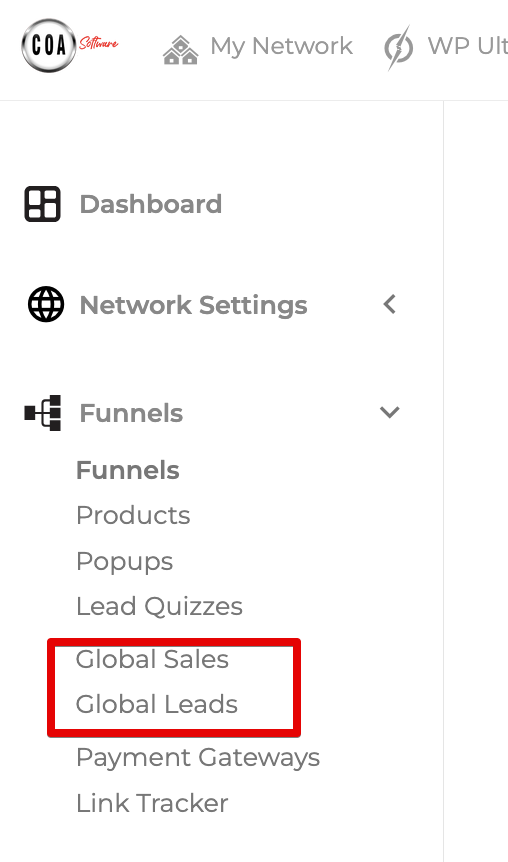
Step 1: Open a Sales or Leads Area Open a Global Sales/Lead or Funnel Sales/Lead area
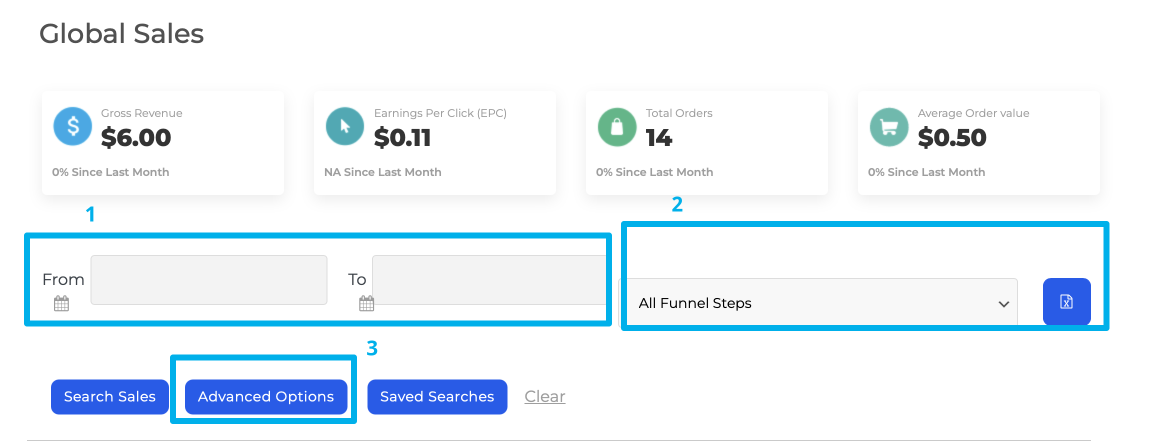
Step 2: Select the Date Range and Advanced Settings you'd like to use.
Use the data selectors (1) to select your required dates, the funnel sector (2) if you'd like to include only a single funnel (via global sales/leads) and Advanced Options (3) to select the information to be displayed.
Step 3: Click Saved Searches and Save the Search
Click Saved Searches, enter a name for the search and click Save.
Load an existing search
To load an existing search click "Saved Searches", type the first letter of your search name into the box and select the search you require from the drop down menu. Once you click Save & Apply the existing search will load.
