
How To Preview When Editing?
After making changes to your Funnel/Site you often wanted to see how it looks like in Mobile, Tablet, or Desktop view. The way to do this is our Clients on Automation Software Preview Layout.
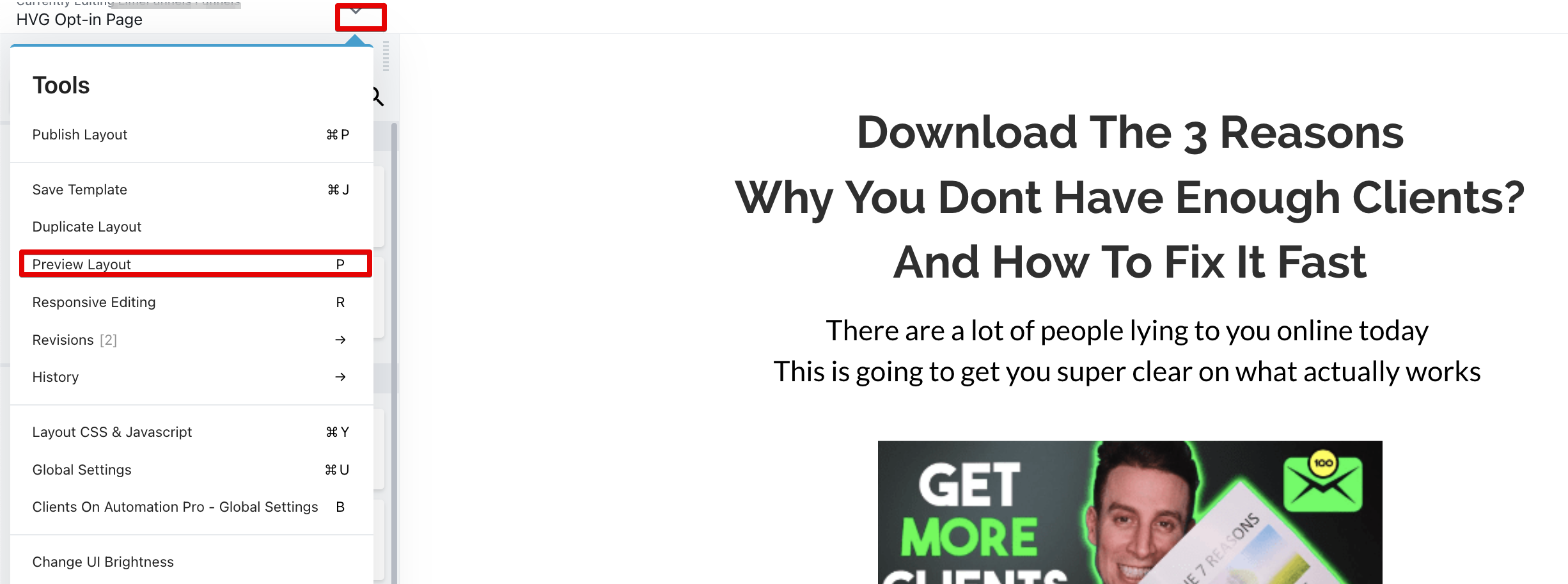
To Preview your Funnel/Site Layout you can press "P" on your keyboard or press the dropdown arrow at the top right corner to view the Tools option and click on "Preview layout". By default preview mode should take you to the Desktop view, you can then switch to Tablet and Mobile view by clicking the icons shown below.
"Continue Editing" will allow you to go back to the COA Builder.
