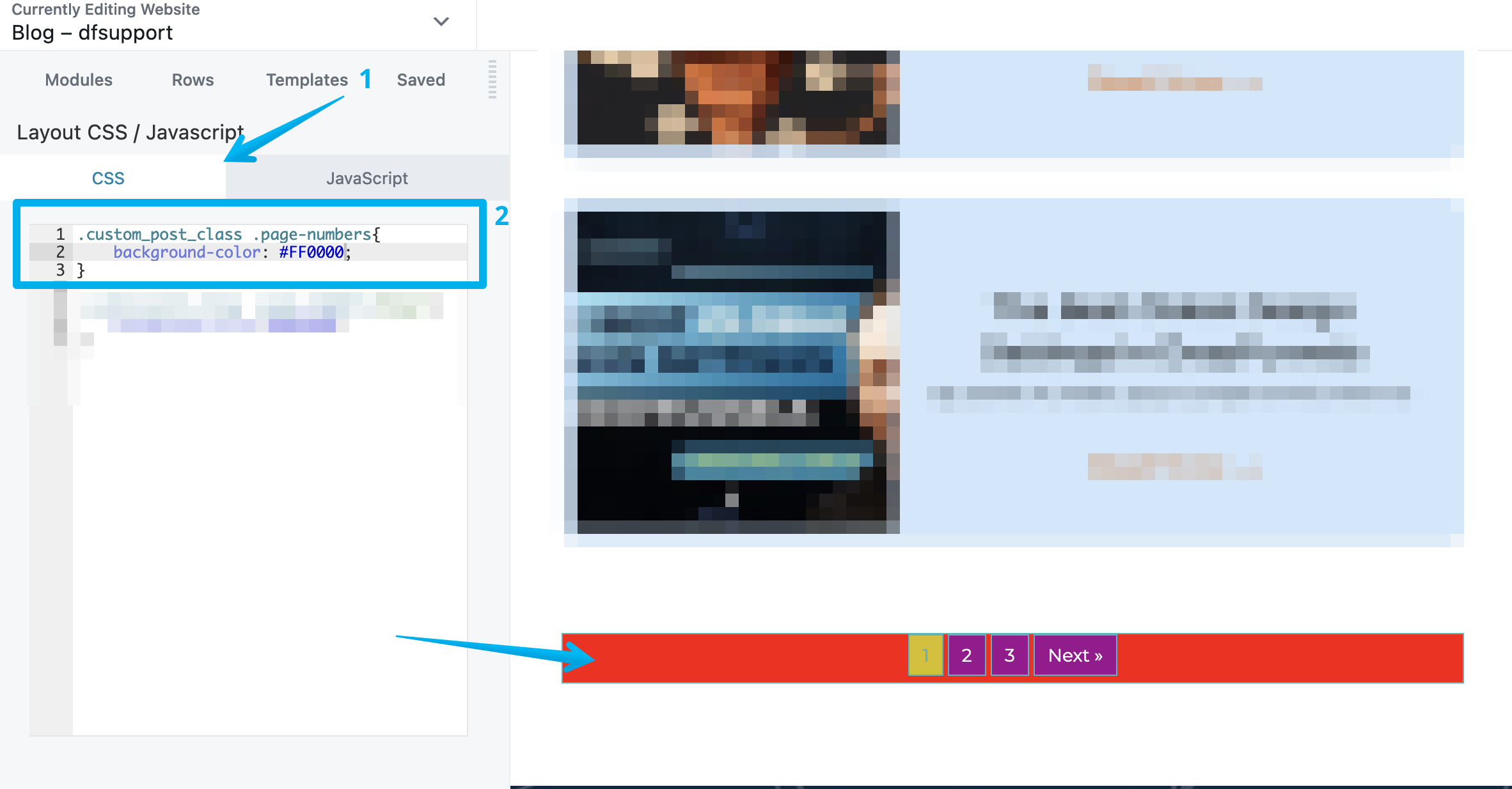
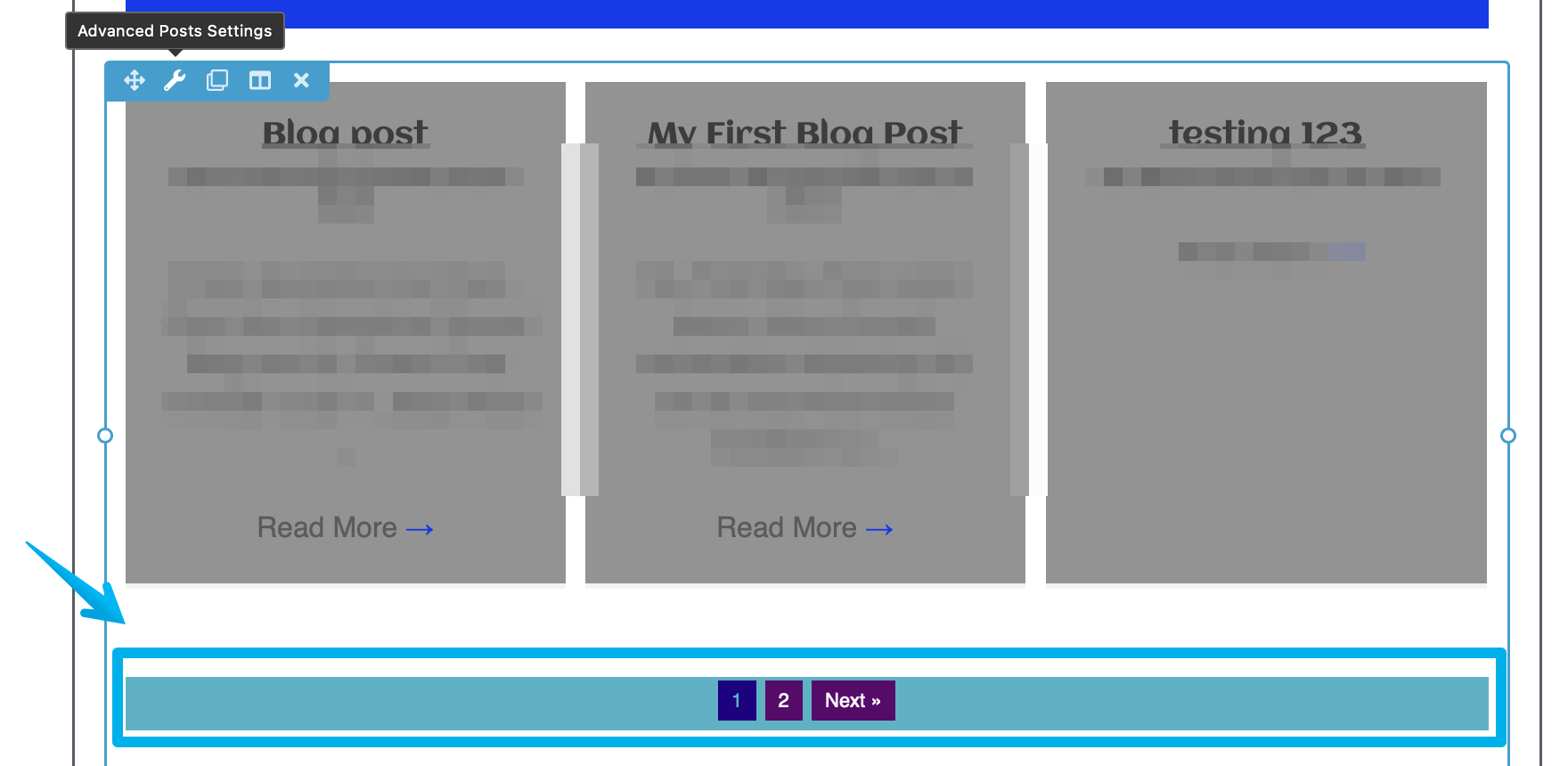
How to change the Pagination Background bar when using Advanced Post module
Currently, there's no native option to change the pagination bar color when using an Advanced Post module. However, as a workaround, we can change it through custom code which will be discussed in this guide.
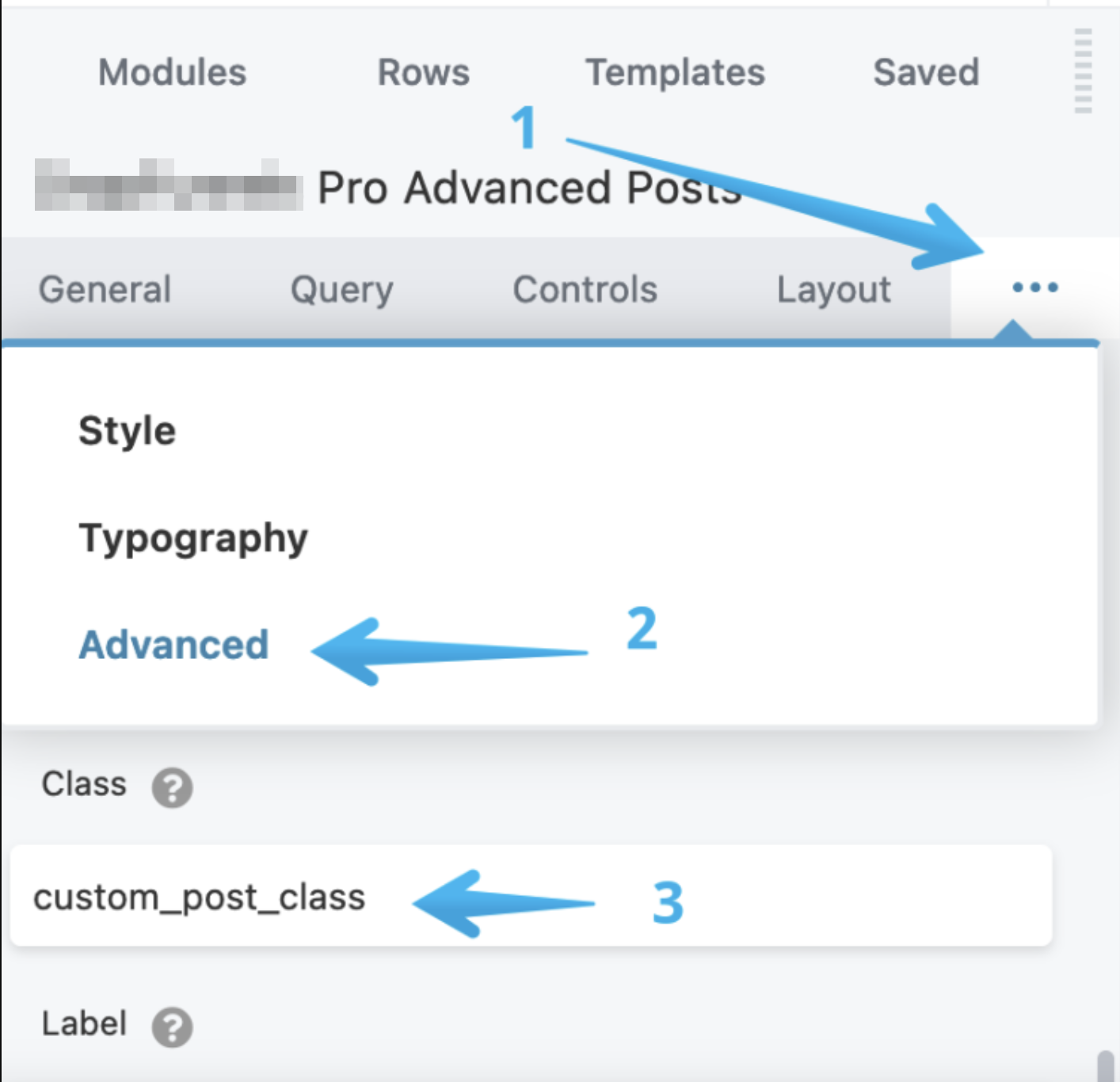
Step 1: Add a custom Post Code under the Class section
From the Advanced Post Module settings > Advanced > Class , add the below code:
custom_post_class
and hit save.
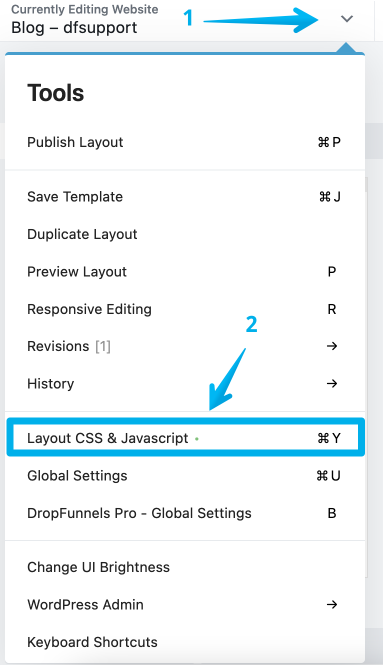
Step 2: Go to the Layout CSS & Javascript inside the page builder
Step 3: Add this custom CSS Styling code
Note: You will need to determine the hex/color code of the desired background color you'd like to have for example the color code for Red is FF0000
.custom_post_class .page-numbers{
background-color: #FFFFFF;
border: 1px solid #c83eb0;
}
.custom_post_class .page-numbers:hover{
background-color:#bd3c89;
}