"We are revamping our Knowledge Base articles to serve you better. In case you find something unusual, do not panic. Reach out to our Support Team by submitting a ticket if you ever need some help.”

How To Add Business Review Module To Your Page

How to add Business Review Module to a page

A Business Review module allows you to showcase a reviews and stars of your Business through Google and Yelp Review. Inside the Page builder when editing the page. 
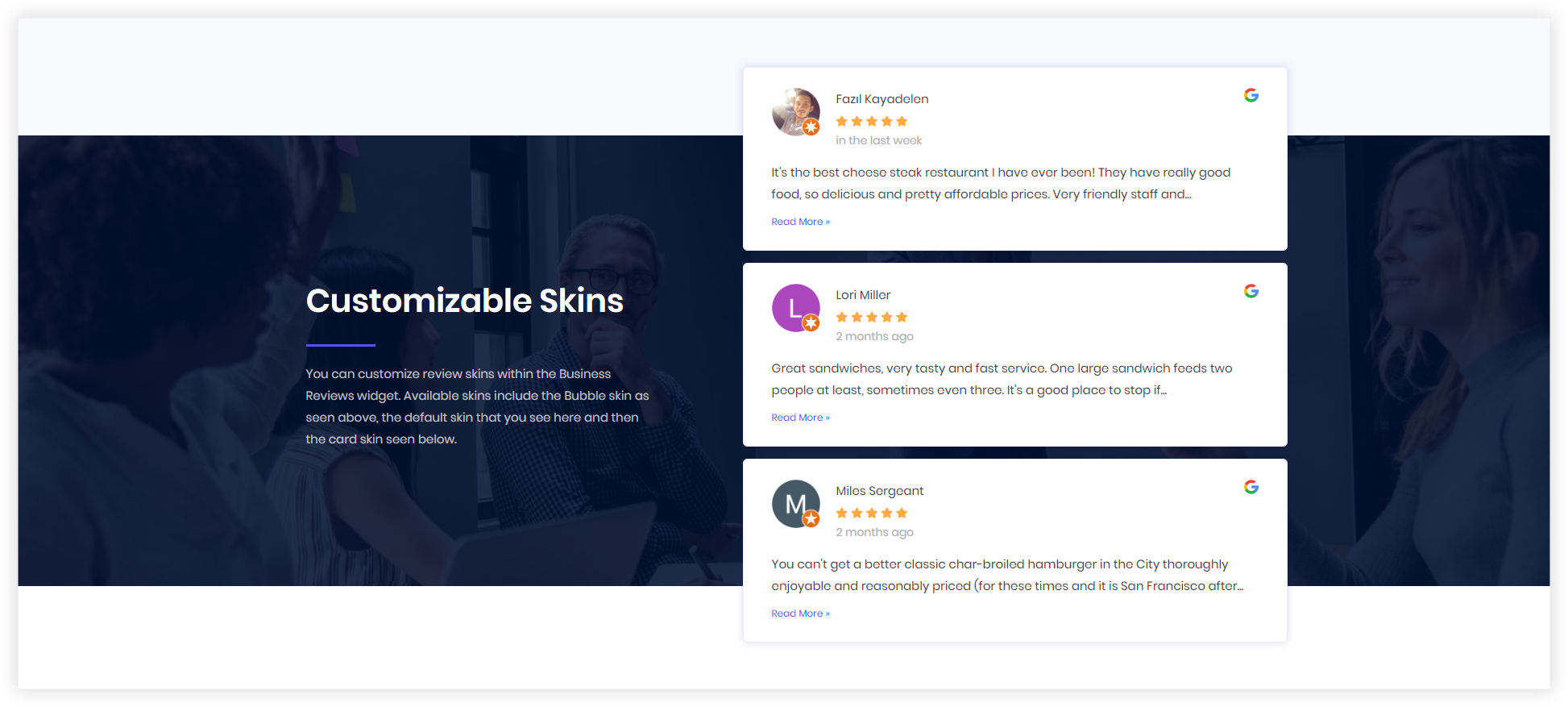
Demos-Screenshot

Step 1: Add the Google places API key

To add the API key Go to Settings > Additonal Settings> Add the Google places API key.

See this guide on how to get the Google Place MAP API key and for Google Places API key.

Monosnap Monosnap-Clients on Automation Softwares-Pro-‹-DF-Triage-—-WordPress-2023-09-07-02-49-36.png (1520×1112) 2025-04-24 01-19-45

Step 2: Add the Business Review Module

Edit the page and add the Business Review Module.
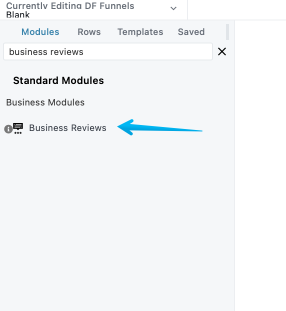
Monosnap Blank – COA Triage 2023-09-07 02-56-41

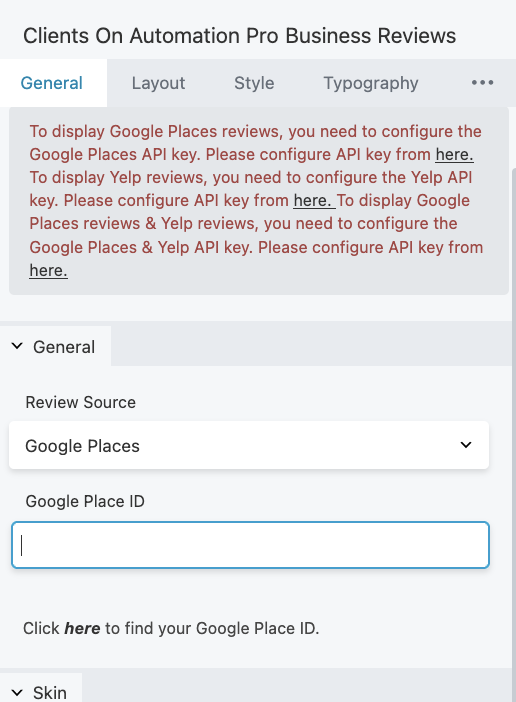
Step 3: Select a source Review under the "Review Source" and add the ID.

You can select Google Places/Yelp at the same time if you want to show the reviews from there.

Click here to find your Google Place ID and here to find your Yelp ID. .

Monosnap test – Clients On Automation 2025-04-24 01-20-59
Was this article helpful?

Related Articles