How To Add a Layout Template To Your Page
Layout templates are Clients on Automation Software Editor layouts that are prebuilt, previously saved, or provided by third parties. See the layout templates overview. They do not enforce a particular layout or style but rather provide a way.
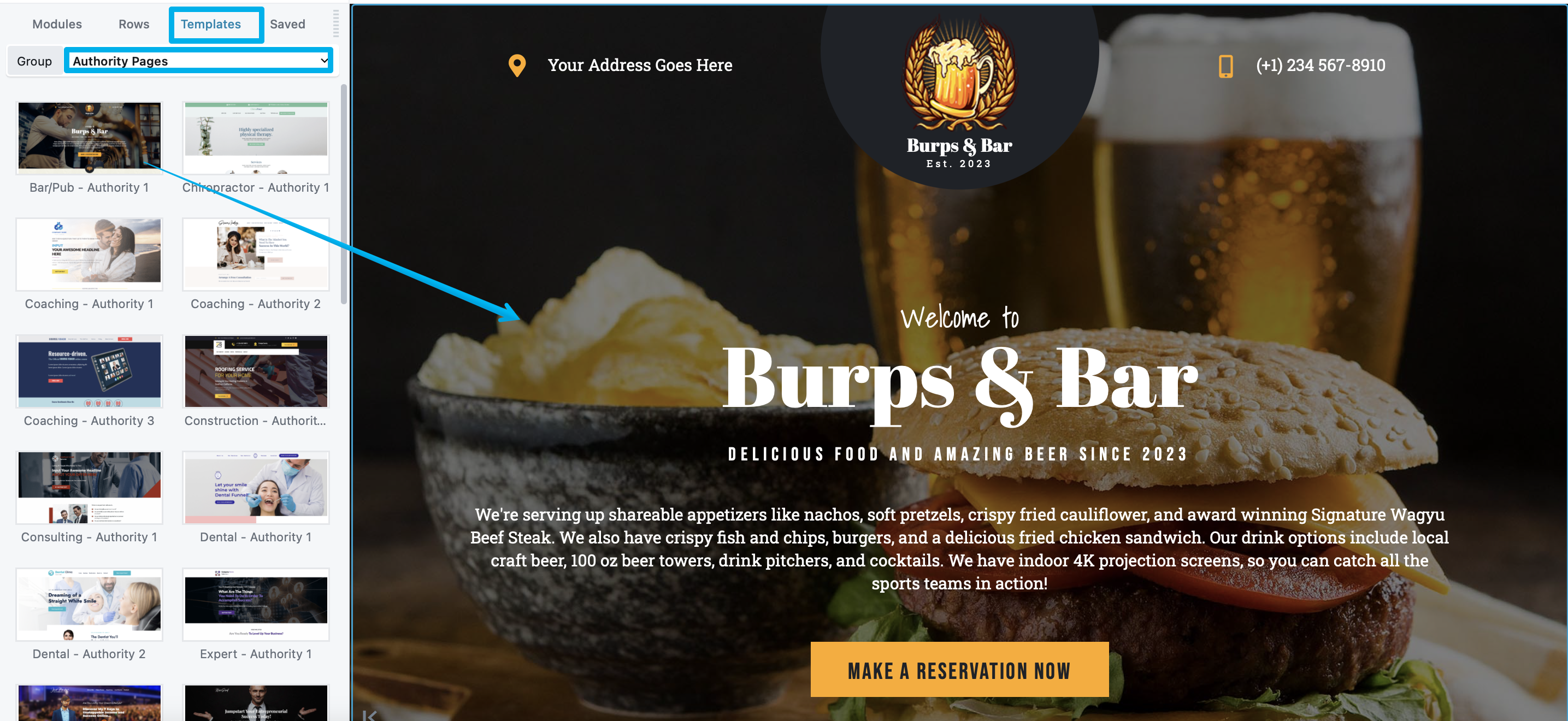
To replace existing content or append a layout template to your Clients on Automation Software Editor content:
Step 1: Open a page for editing in Clients on Automation Software Editor.
Step 2: Open the Content panel and click the Templates tab.
Step 3: Click on the layout template you want.
If the page or post layout already has content, you'll get a choice of replacing the existing layout or appending the new layout.
Step 4: Make any changes you want and save your page.