How To Set Up Your Clients on Automation Software Blog - The Easy Way
Learn exactly how you can create your own blog, set up your blog posts, and start ranking to boost your domain authority, trust, and expertise to the world.
Step 1: Design your Blog Theme
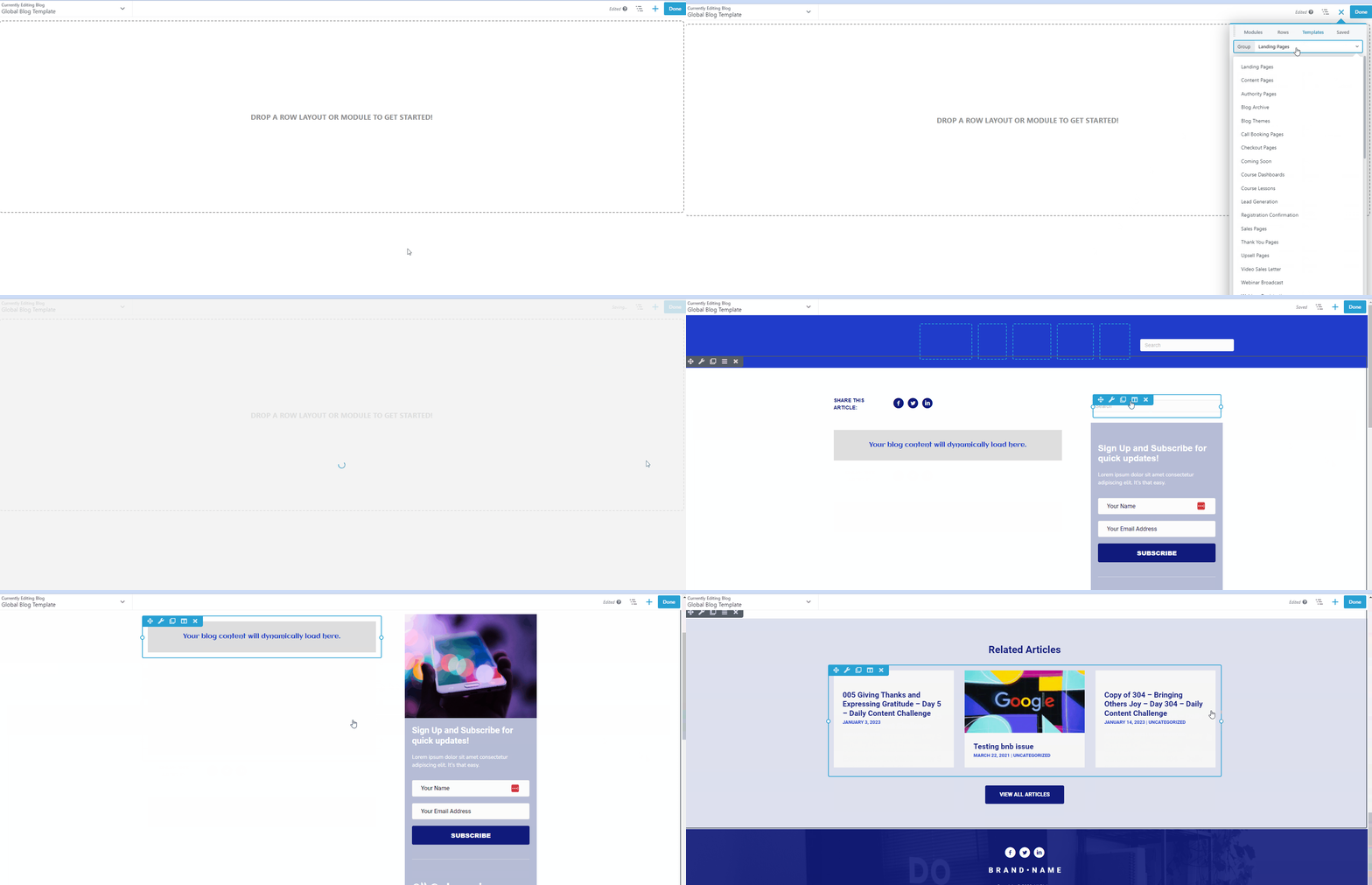
To access your Blog Theme go to Blog Posts > Update Blog Theme. You can either design your Blog Theme or select one of our Blog templates.

You can either design your Blog Theme or select one of our Blog templates by clicking the + icon at the top right corner in your Clients on Automation Software Builder>Templates Tab> click Group dropdown> click Blog Theme> select your desired Blog theme.
Step 2: Create a Blog Post
Before creating your blog post, make sure that your Blog theme has a Blog Content Module, if you don't have BlogContent Module make sure to add one.
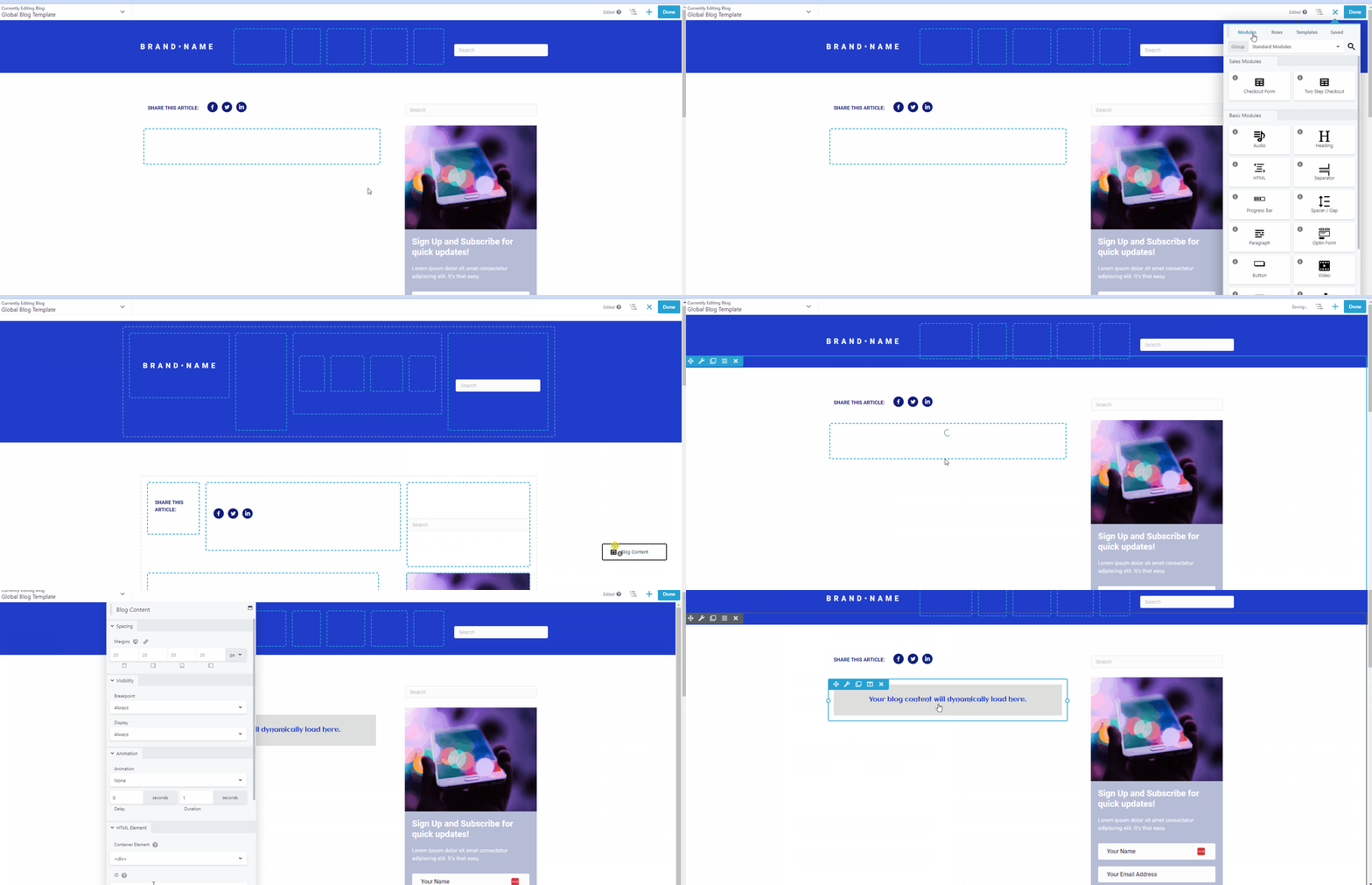
Create your blog post and it will dynamically load in the Blog Content Module location.
Important Note: Make sure not to add "Blog Content Module" on your individual Blog post as it results in 500 Internal Server Errors.
Step 3: Create a Blog Archive
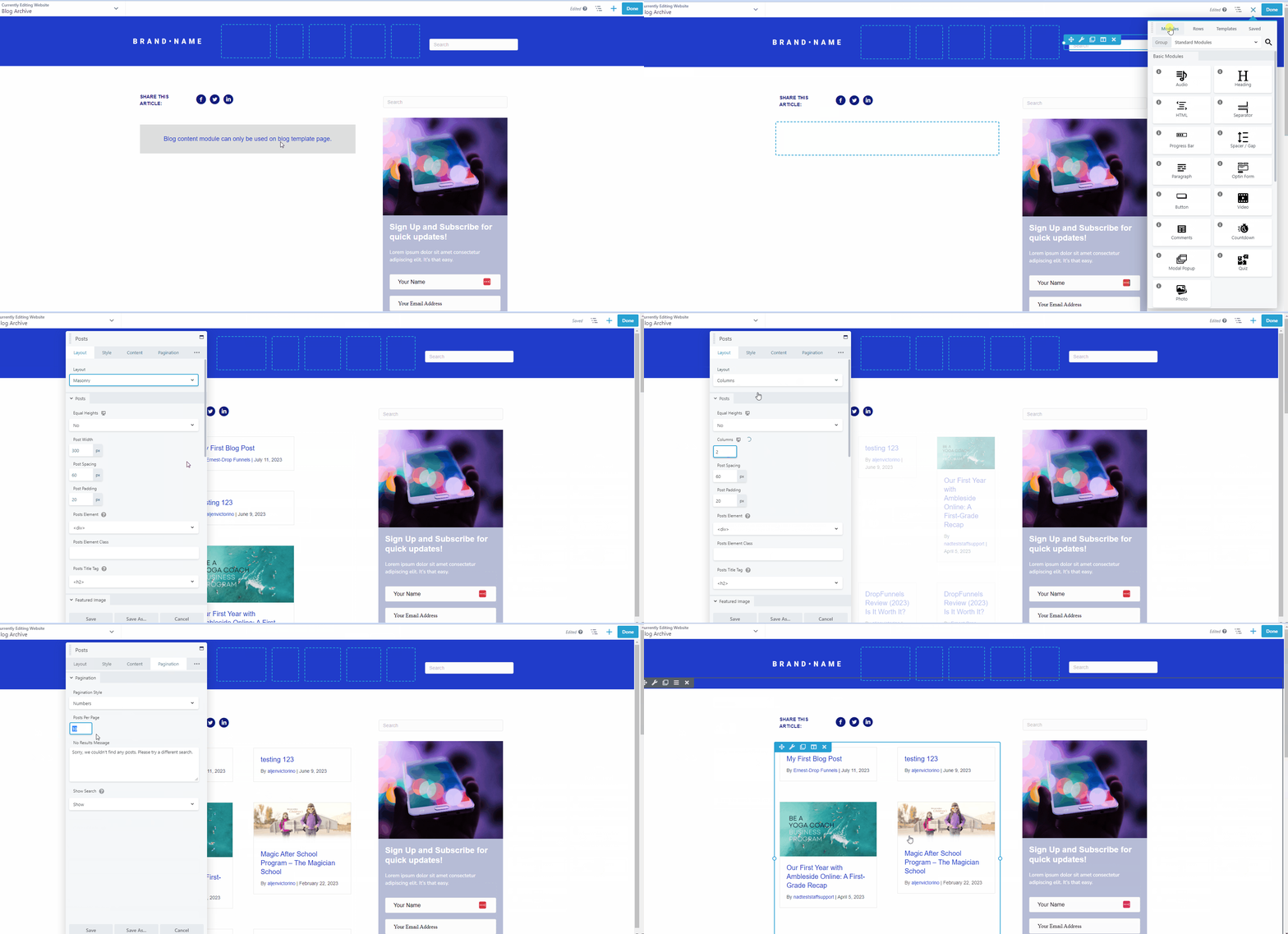
You can use the same template to create the page for Blog Archive. Go to Website >Page> Add Website Page.

Select the Blog templates by clicking the + icon at the top right corner in your Clients on Automation Software Builder>Templates Tab> click Group dropdown> click Blog Theme> select your desired Blog theme.
Remove the "Blog Content Module" on your Blog archive and add "Blog Post" or "Advanced Blog Post Module", these 2 post modules will show the most recent Blog posts.