
Comments Module
The Comments module is in the Basic modules category, which appears only when you're editing a Singular-type Themer layout. It displays the entire Comments section with the "Leave a Comment" heading, the user who is logged in, and a text box for the comment, as shown in the following screenshot.
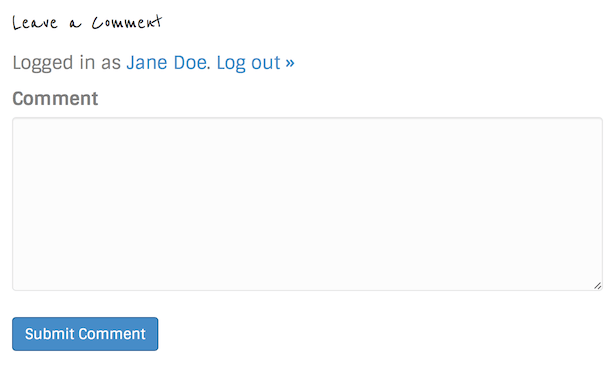
The "Leave a Comment" title appears in whatever font you assigned for headings.
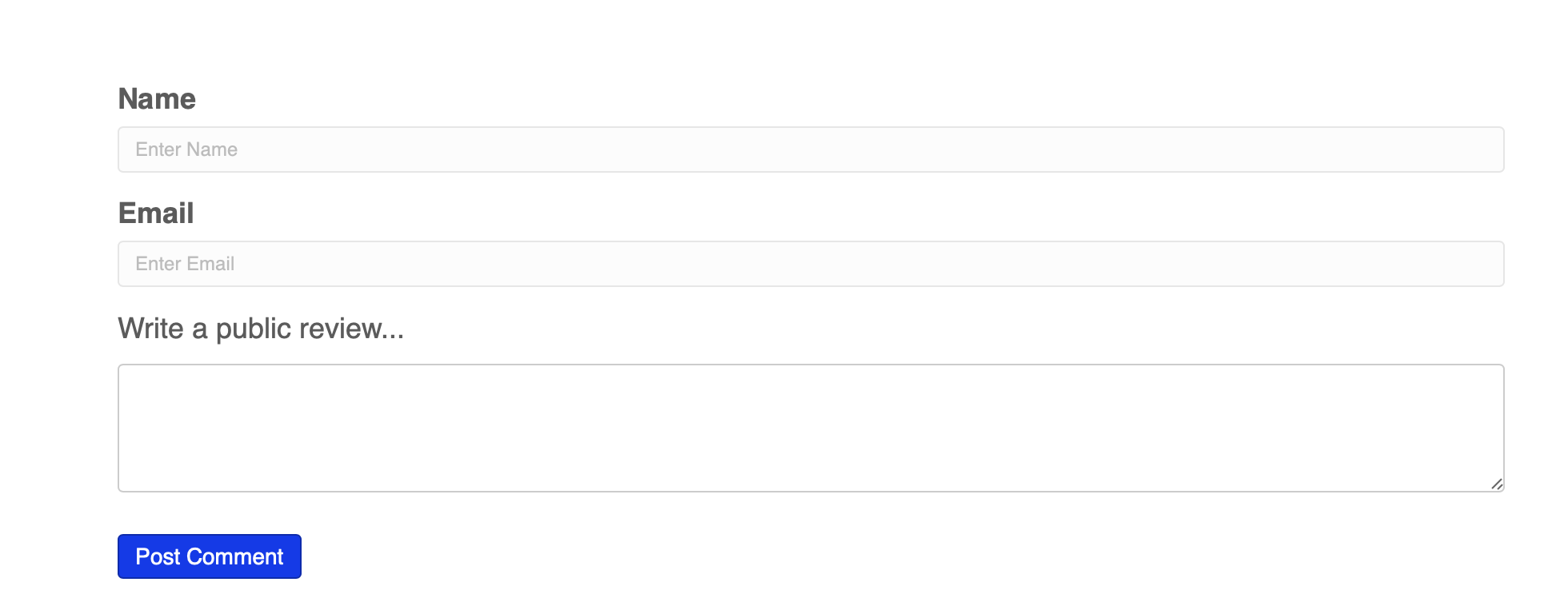
If the user is not logged in, there are some extra fields to fill in underneath the comment box as shown in the following screenshot: name, email, and website.
The only Comments module settings available are those on the Advanced tab, which means you can customize margins, responsive layout, visibility, animation, and assign an ID or class name.
