
"We are revamping our Knowledge Base articles to serve you better. In case you find something unusual, do not panic. Reach out to our Support Team by submitting a ticket if you ever need some help.”
  1. Home
  2. Account and Billing
  3. How To Change Your Clients on Automation Software Password

How To Change Your Clients on Automation Software Password

How To Change Your Password For Your Clients on Automation Software Account

This article will provide you with step-by-step instructions on how to change your account password.

For PRO, Agency, and Enterprise accounts, the password change will apply to every URL that you will have since it is a single account that is connected to each and every URL.

Step 1: Go to the Account tab from your Clients on Automation Software dashboard.
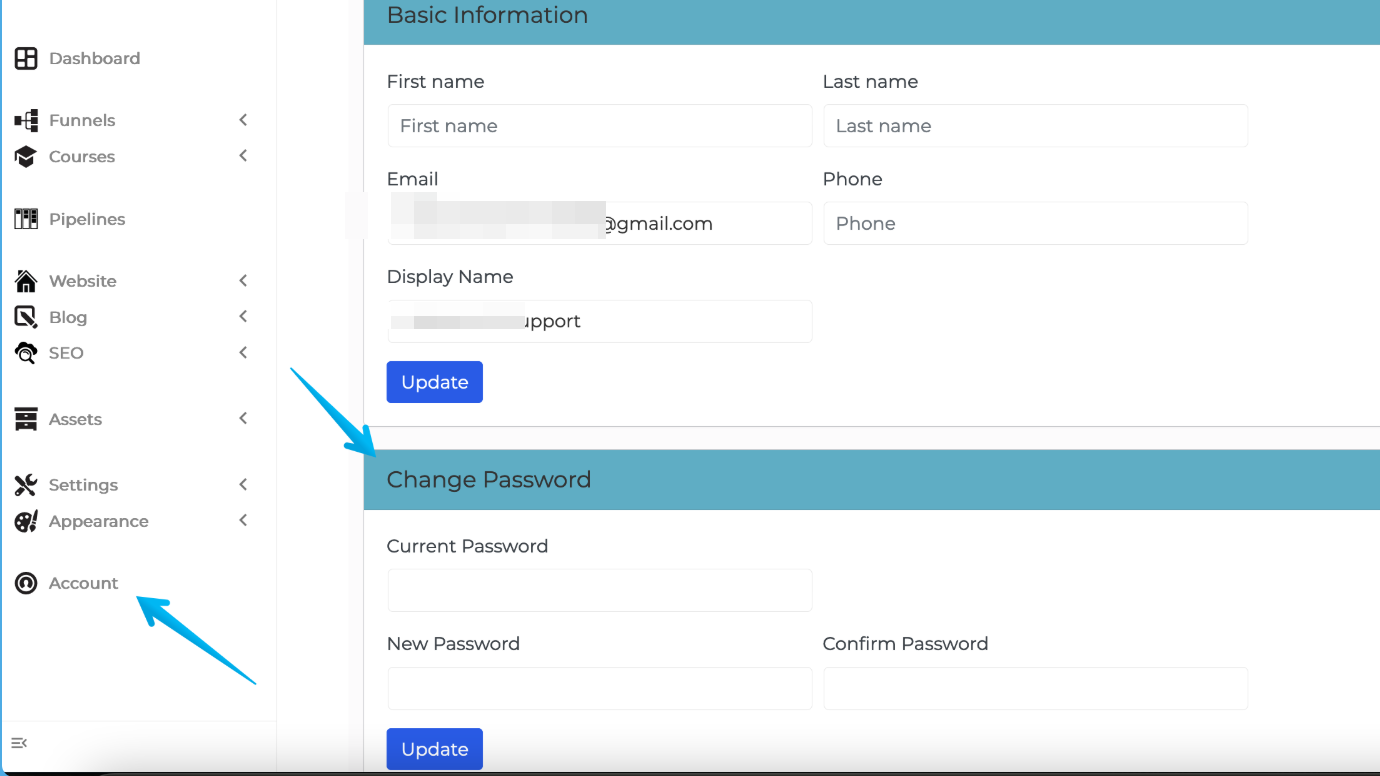
Monosnap How To Change Your Clients on Automation Software Password – Clients on Automation Software Support – Home 2025-04-25 22-11-09

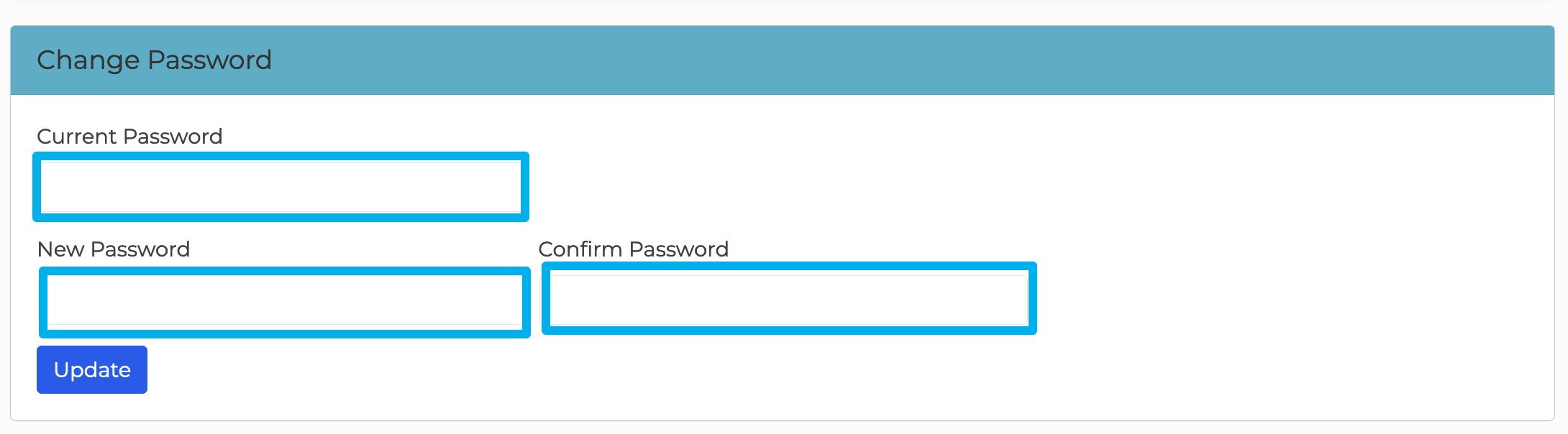
Step 2: Fillout the required fields under the "Change Password".

Enter current password, new password, and confirm the new password being set.
Monosnap Account ‹ test site 1 — WordPress 2023-09-17 02-53-47

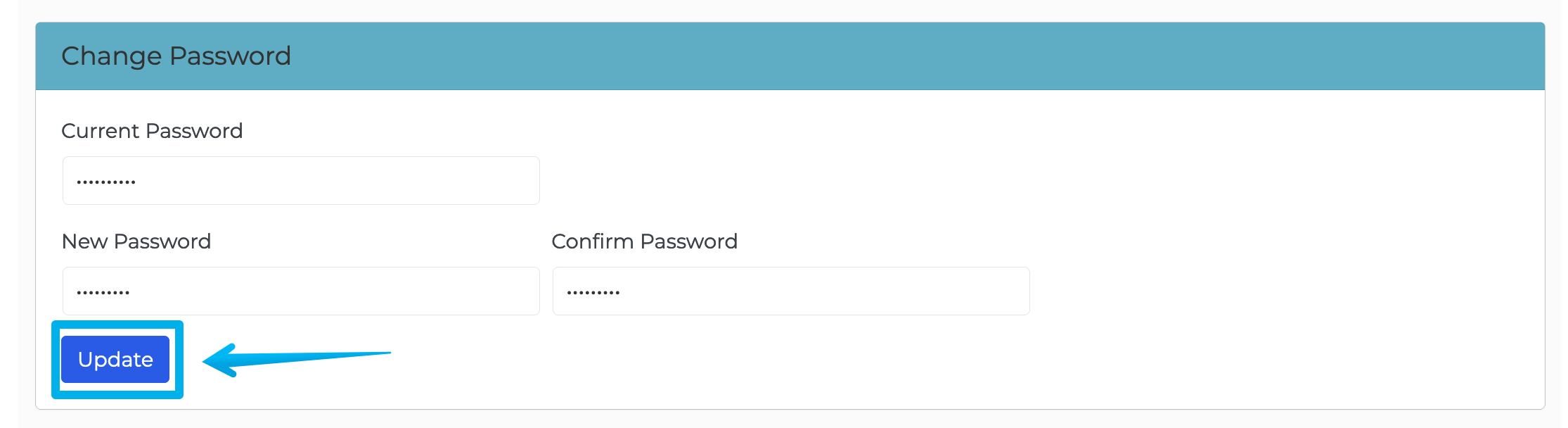
Step 3: Click on "Update" to save the new password being set.
Monosnap Account ‹ test site 1 — WordPress 2023-09-17 02-59-00
Was this article helpful?
