
Audio Module
The Audio Module in Clients on Automation Software enables users to seamlessly upload audio elements into their pages, providing an immersive and engaging user experience.
To add an Audio Module to your page
Step 1: Inside the page Builder locate the Audio Module
Step 2: Click the "Audio" module and drag it to your page inside the builder.
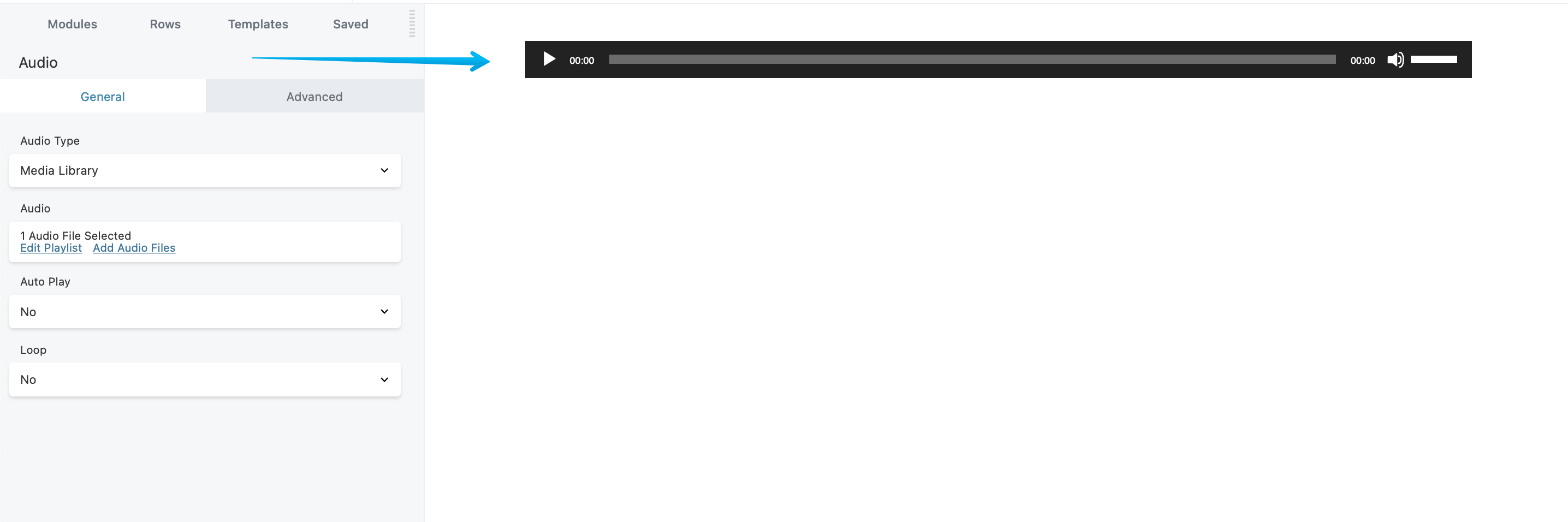
General Tab
It allows you to upload your Audio using the Media Library as an Audio type or use a public link to add your Audio. You can also configure the loop and autoplay feature from this tab.
Note: (When uploading an Audio we strongly recommend you to use a mp3 file type.)
Advanced tab
There are all the usual Advanced tab settings for margins, visibility, animations, and advanced HTML settings.
