
"We are revamping our Knowledge Base articles to serve you better. In case you find something unusual, do not panic. Reach out to our Support Team by submitting a ticket if you ever need some help.”
  1. Home
  2. Getting Started With Clients on Automation Software
  3. Most Popular Articles / Frequently Asked Questions
  4. Can I add tracking codes to individual pages and posts?
  1. Home
  2. Website
  3. Can I add tracking codes to individual pages and posts?
  1. Home
  2. Blog
  3. Can I add tracking codes to individual pages and posts?
  1. Home
  2. SEO
  3. Can I add tracking codes to individual pages and posts?

Can I add tracking codes to individual pages and posts?

Can I add tracking codes to individual pages and posts?

Adding tracking codes to individual pages and posts can be done while inside editing your content.

Step 1: Visit the page or post you want to add your tracking code too.

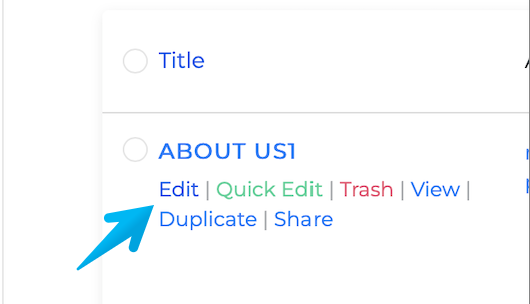
Step 2: Click on the Edit link found when hovering your mouse over the page/post
Monosnap Screen Shot 2023-06-09 05-51-22

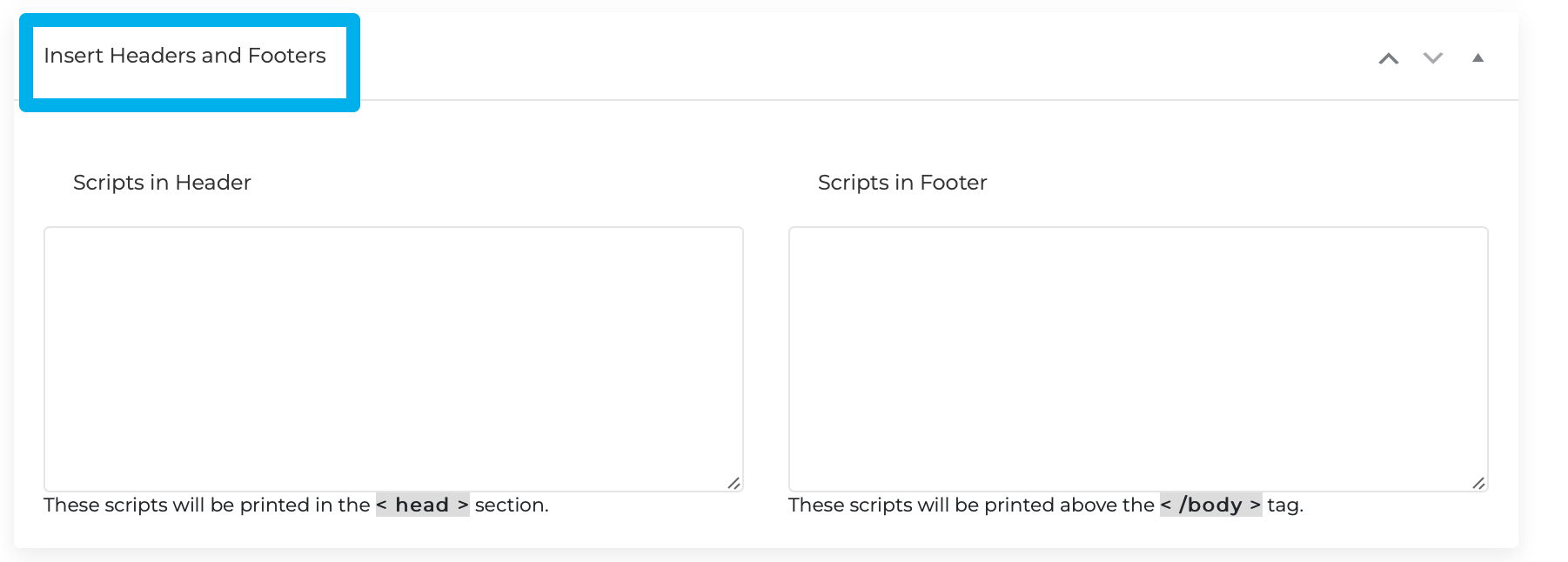
Step 3: Scroll to the bottom of the page/post and you will see a section titled "Insert Headers and Footers".

Monosnap Edit Page “ABOUT US1” ‹ COA Triage — WordPress 2023-06-09 06-25-59
Was this article helpful?

Related Articles