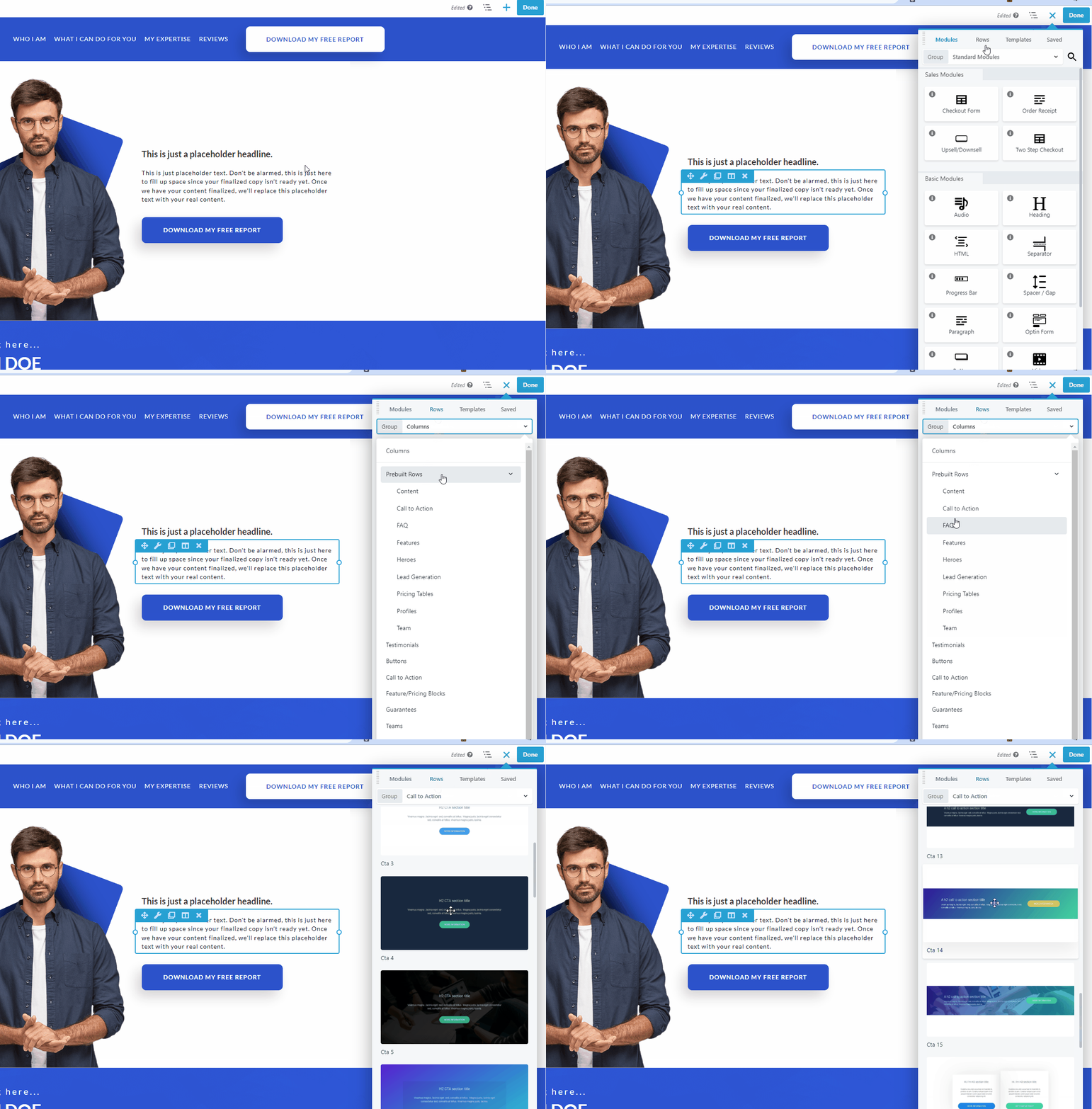
Add Prebuilt Rows to Your Content
Prebuilt rows are smaller than saved layout templates but serve the same function--quick layouts that you can customize. You can choose from dozens of prebuilt rows to add to your layout and modify as you like.
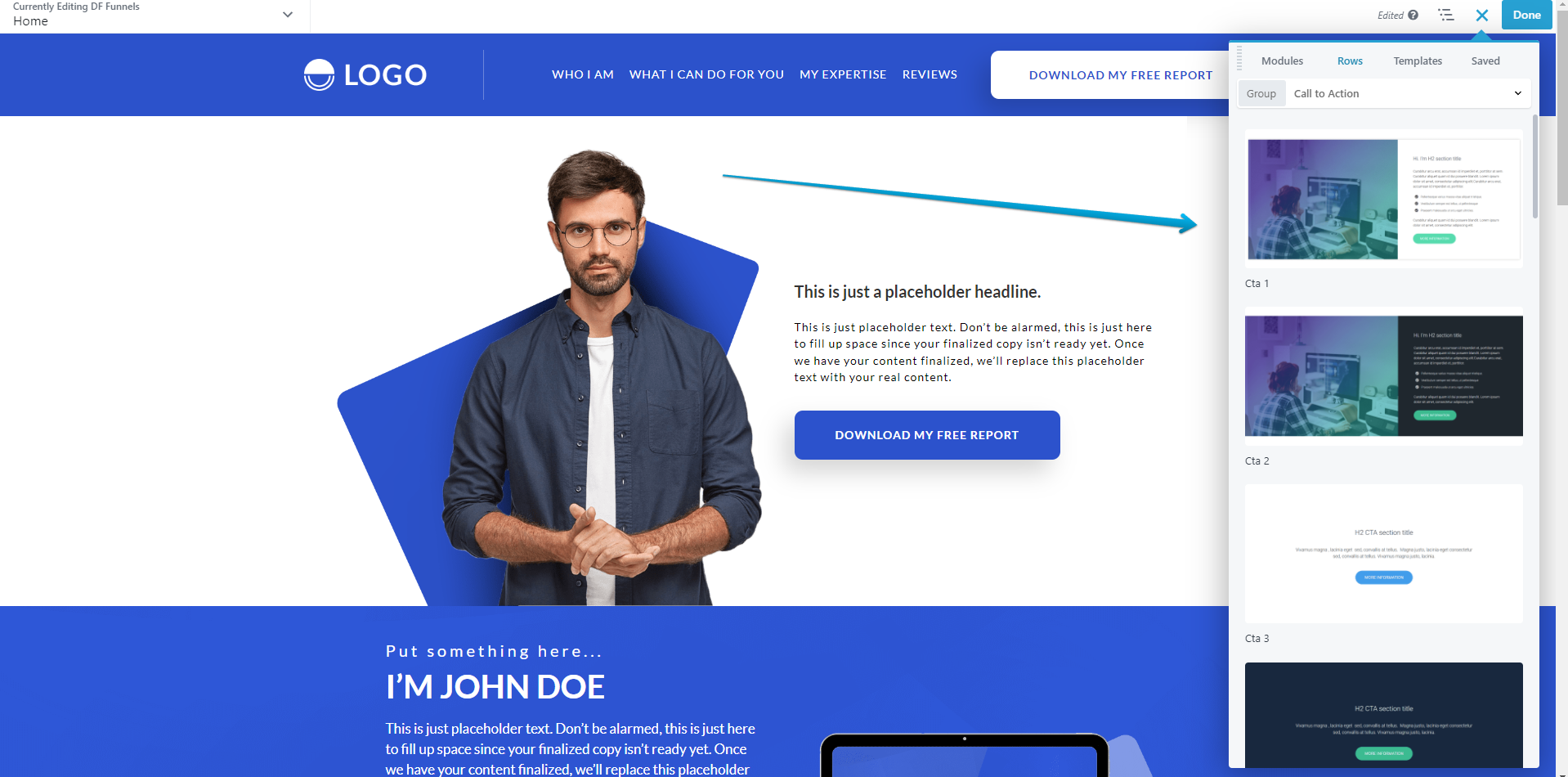
Images that appear are not stored in your media library, so you'll want to replace those. Text is the default for your site, and the new Typography section will let you customize the text settings on the Style tab.
To access prebuilt rows, on the Rows tab of the Content panel, select the group Prebuilt rows, then click a category to see the row thumbnails. Drag one into your layout and modify as you like.