
Rounded Corners On Columns and Photos
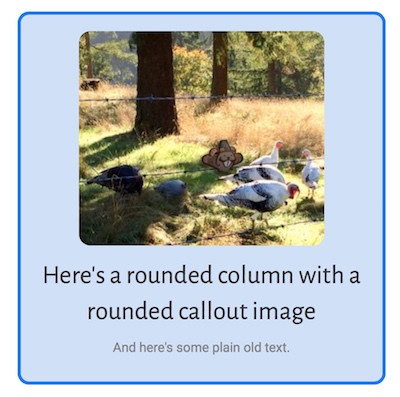
You can add rounded corners to a column background or border or a photo using the Radius setting in the Borders section of rows, columns, and some modules that let you set borders, such as the Photo module. The Radius setting is described in the Radius & Shadow article.
Note: You can add other effects to photos, such as cropping them into a circle, in the Photo or Callout module. Click the Crop list on the General tab of the Photo module or the Image tab of the Callout module and choose a cropping option.
