How to Configure Split Payment Options
If you'd like to offer your customers the ability to pay over the course of a few weeks or months. Here's how to set up your Products and Checkout Pages to give your customers those payment options.
Check 1: Go to Funnels - Product
Check 2: Open an existing product or create a new one
Check 3: Open the Product settings
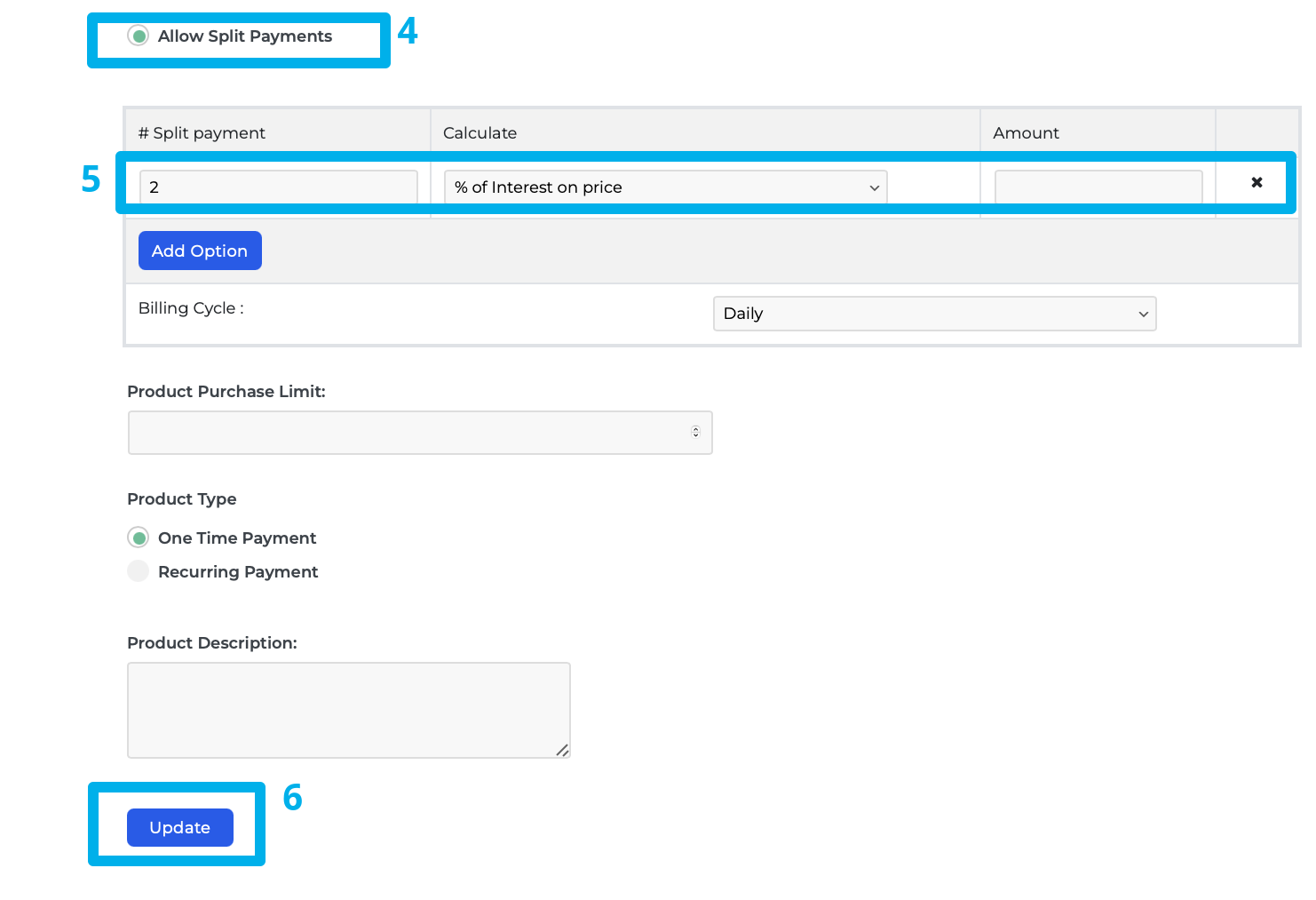
Check 4: Locate the "Allow Split Payments?" radio button and click
Check 5: Indicate the number of payments for the product, the amount you want per payment, and interest per payment if applicable
Check 6: Click on Save/Update to save the product settings for the split payment.
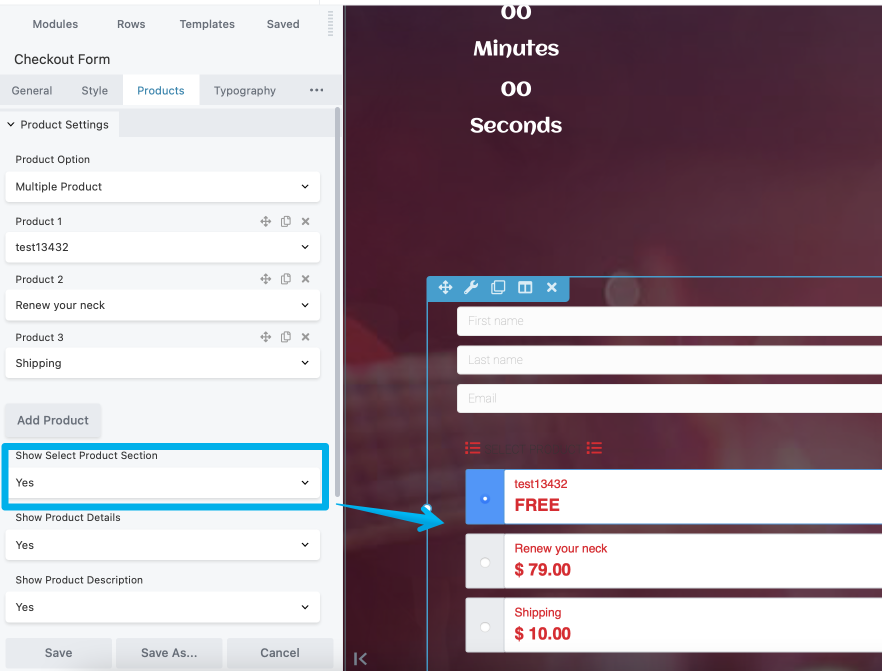
"Make sure the Show Select Product Section is turned on"