How to Switch to Black Interface in Clients on Automation Software Editor
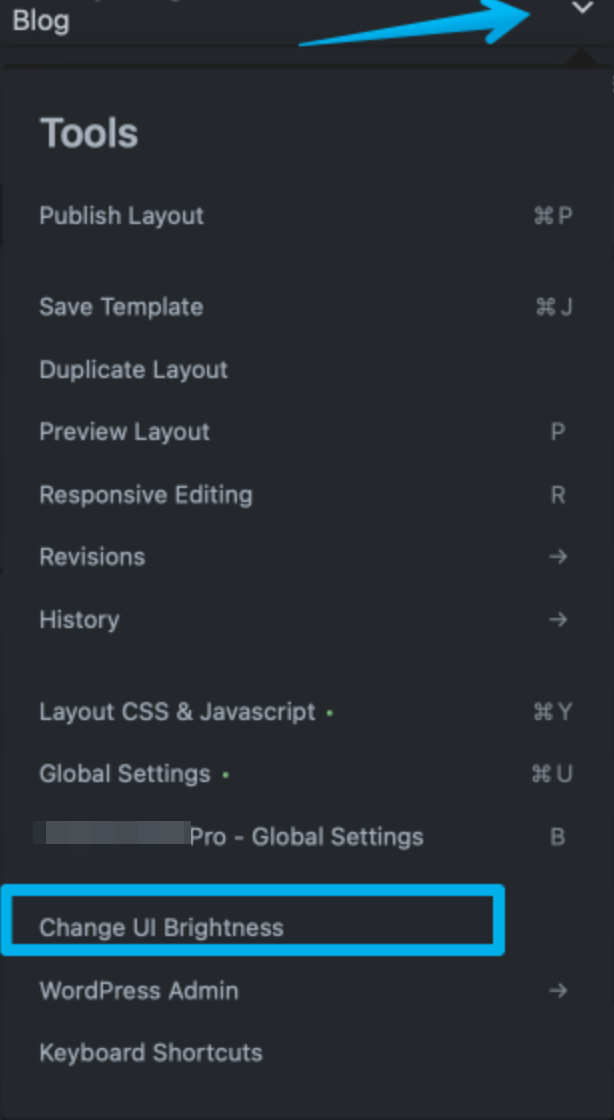
If you are building a page inside the Clients on Automation Software editor and want to change the interface background, there are two ways to go about switching it back to white.
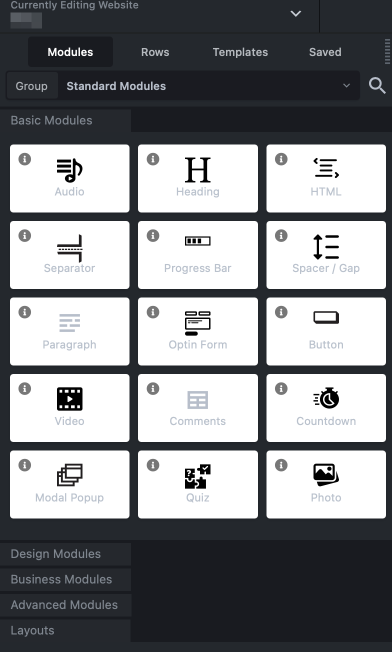
Below is the black background (night mode).
To change the background back to white, hit 'O' on your keyboard or use the mega menu in the top left and select Change UI Brightness.