
How to change the "Reply To:" Email Address on Order Receipt Mails
The Order Confirmation Mails are sent out from Clients on Automation Software. However, the "Reply to:" is given the Administrator Email address of the Clients on Automation Software Site where the purchase was made.
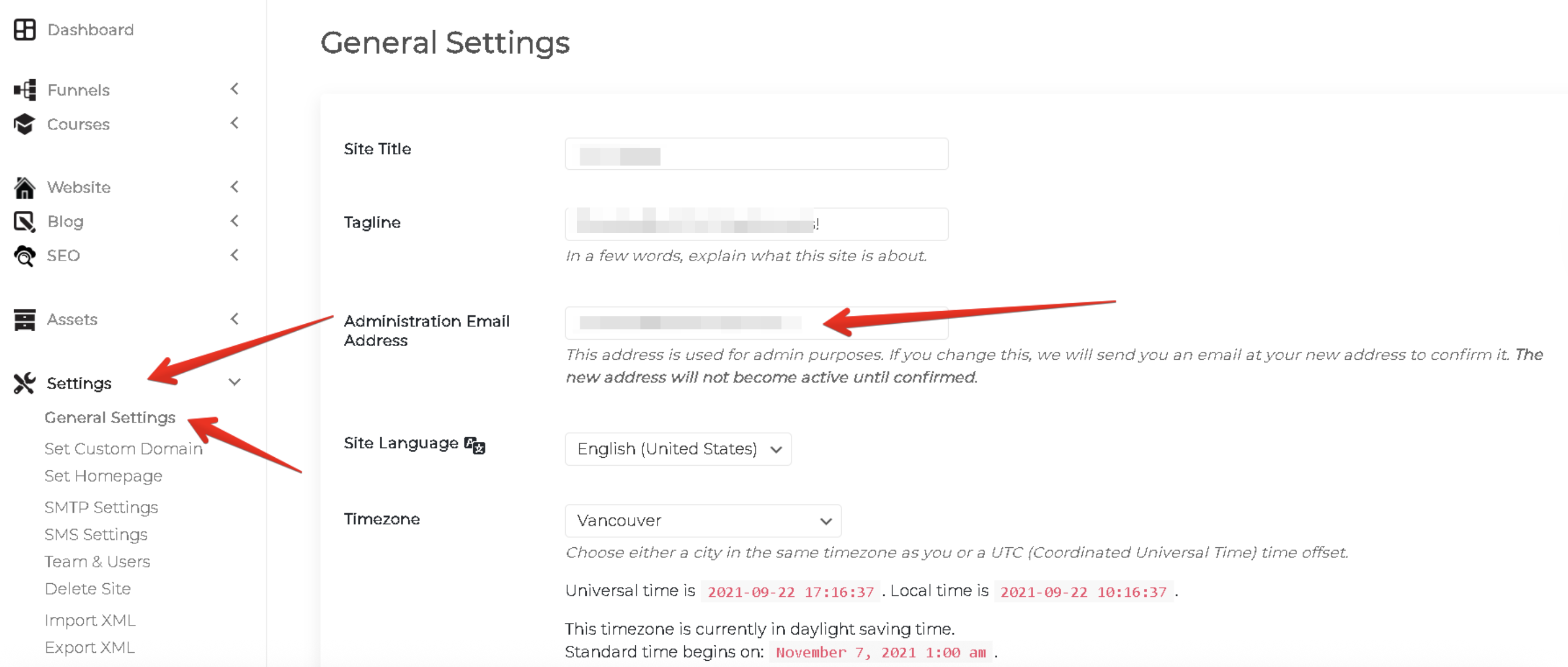
You can change the Administrator Email by going to Settings -> General and changing the "Administration Email Address" as shown here:
NOTE: This will NOT change your actual account email OR Billing email.
