
Clients on Automation Software Courses Overview
Clients on Automation Software Courses have undergone updates that provide enhanced functionality for you and your customers. This feature allows you to create, organize, and showcase courses to your audience effectively.
Course Features and Utilization
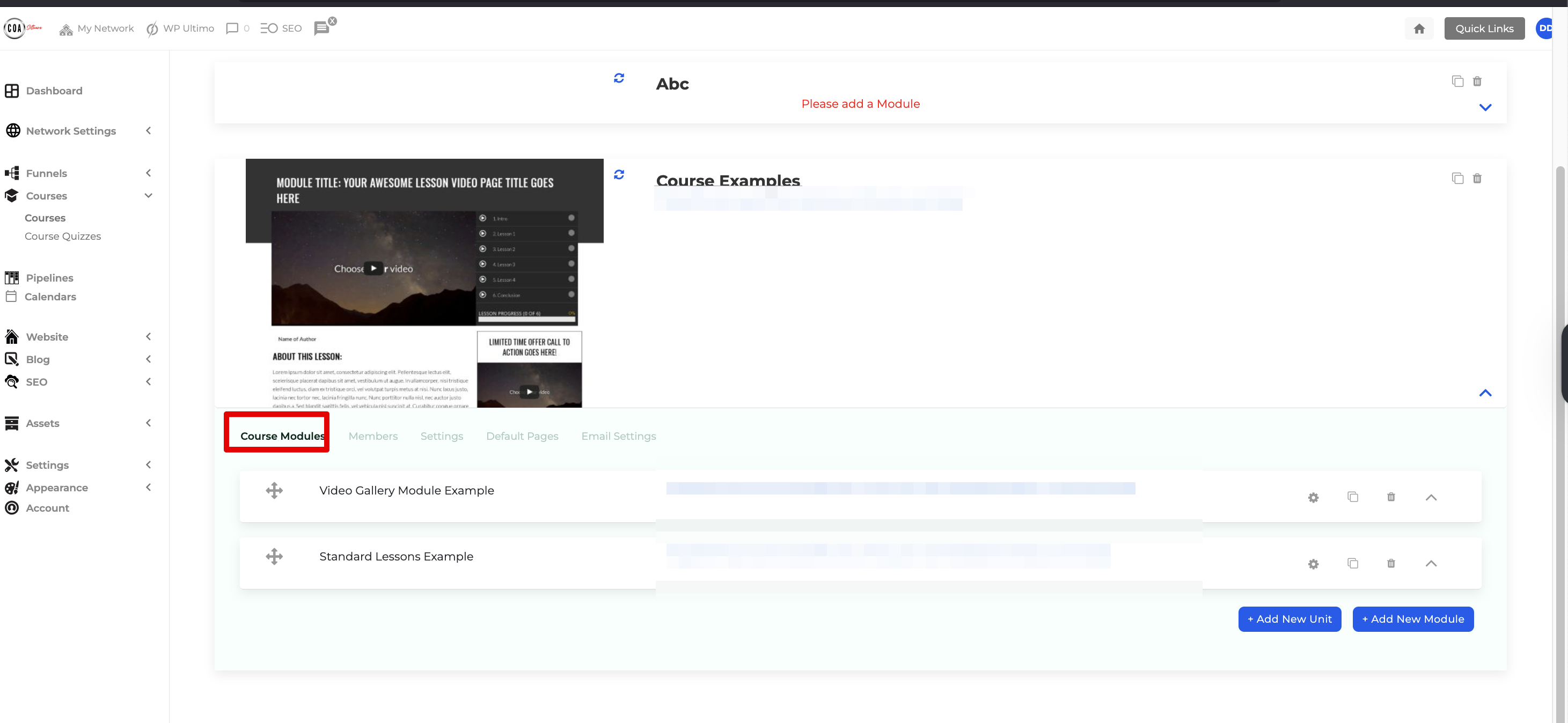
Course Modules
- Modules serve as containers for your course content, allowing multiple lessons to be added.
- You can organize modules using the Unit feature to group related content.
- For guidance, refer to How to Add Course Modules, Lessons, and Units.
Members
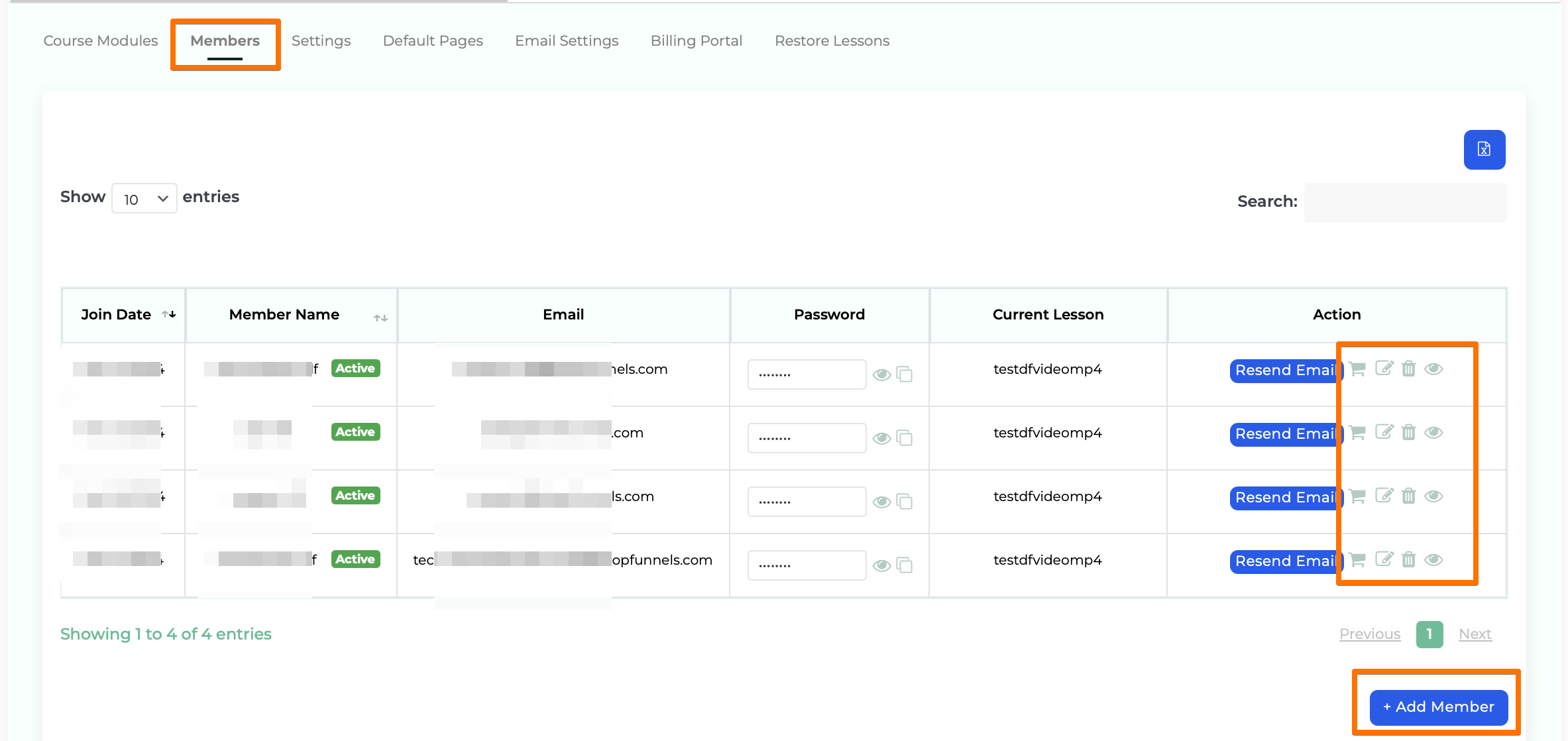
View and manage all users enrolled in your course.
- Features in the Members Section:
- Resend Email: Send a membership confirmation email with login credentials.
- Cart Icon: View the product(s) owned by a member.
- Add Member: Allows you to add a member manually.
- Edit (Pen and Notepad Button): Update member details such as:
- Name and Email
- Access Levels (refer to Course Access Levels Guide)
- Active Status
- Override Drip Delays
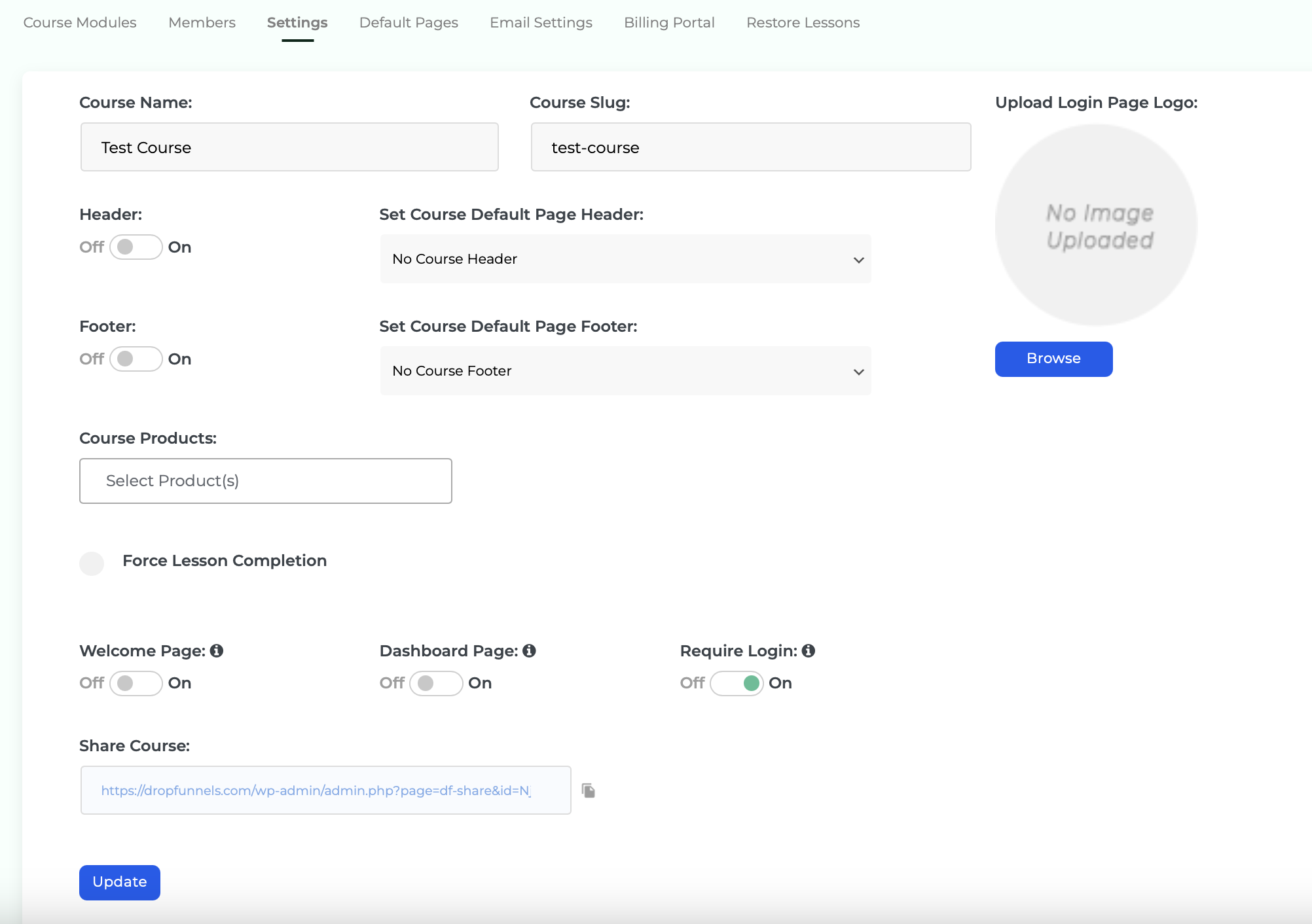
Default Pages
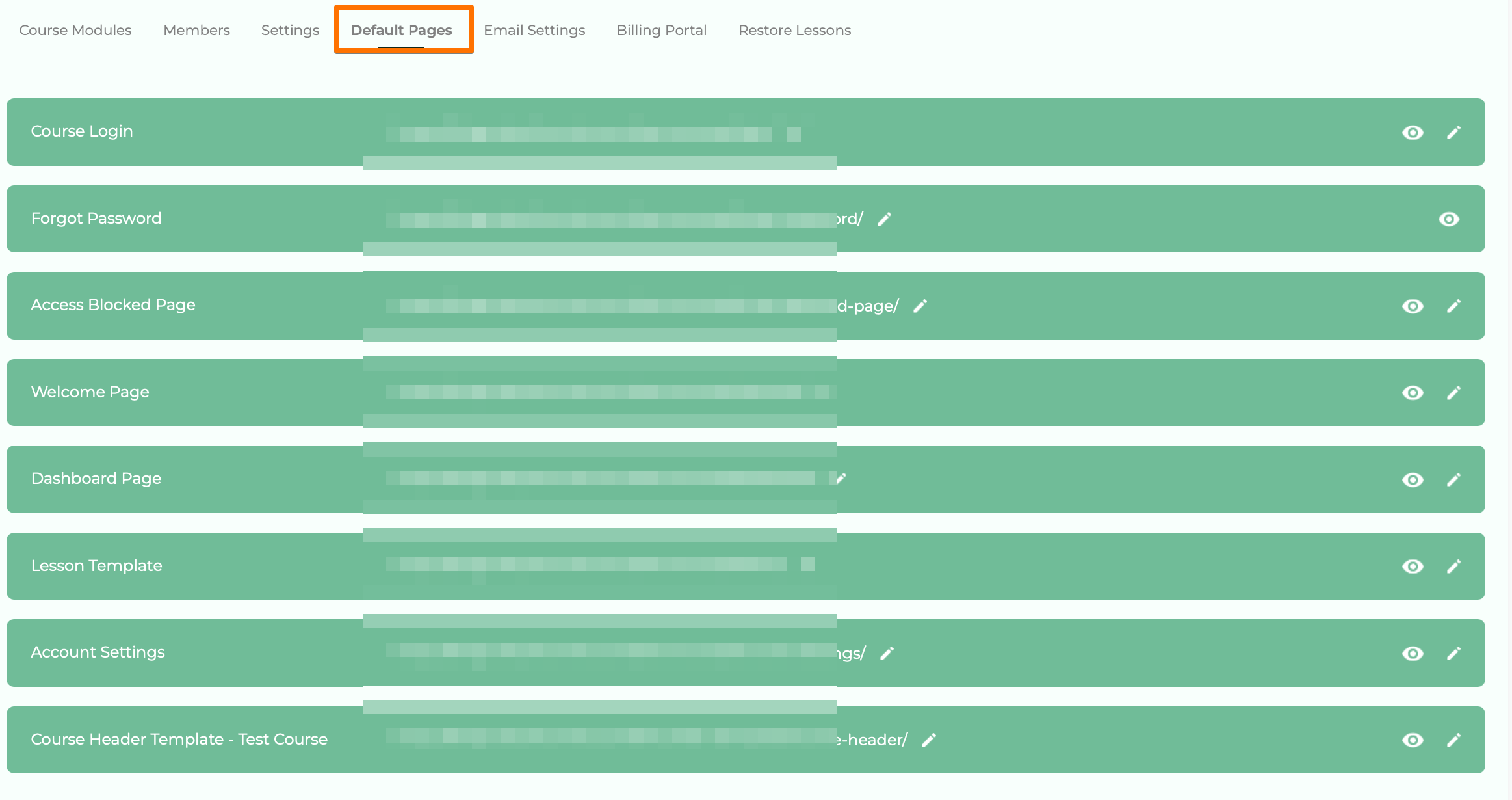
- Preloaded pages such as the login page, dashboard page, and others are included by default.
- You can edit these pages to suit your branding and user experience.
- Refer to this guide: Edit or Change Template of Default Course Pages.
These features help you create structured, user-friendly courses while offering flexibility and control over the user experience.
