
How to set a funnel as your home page
Instead of having a Clients on Automation Software page show up as your default home page, you can also set one of your funnel pages to be your main page when a visitors lands on your website.
Step 1: Navigate to Settings > Set Homepage inside the Clients on Automation Software dashboard
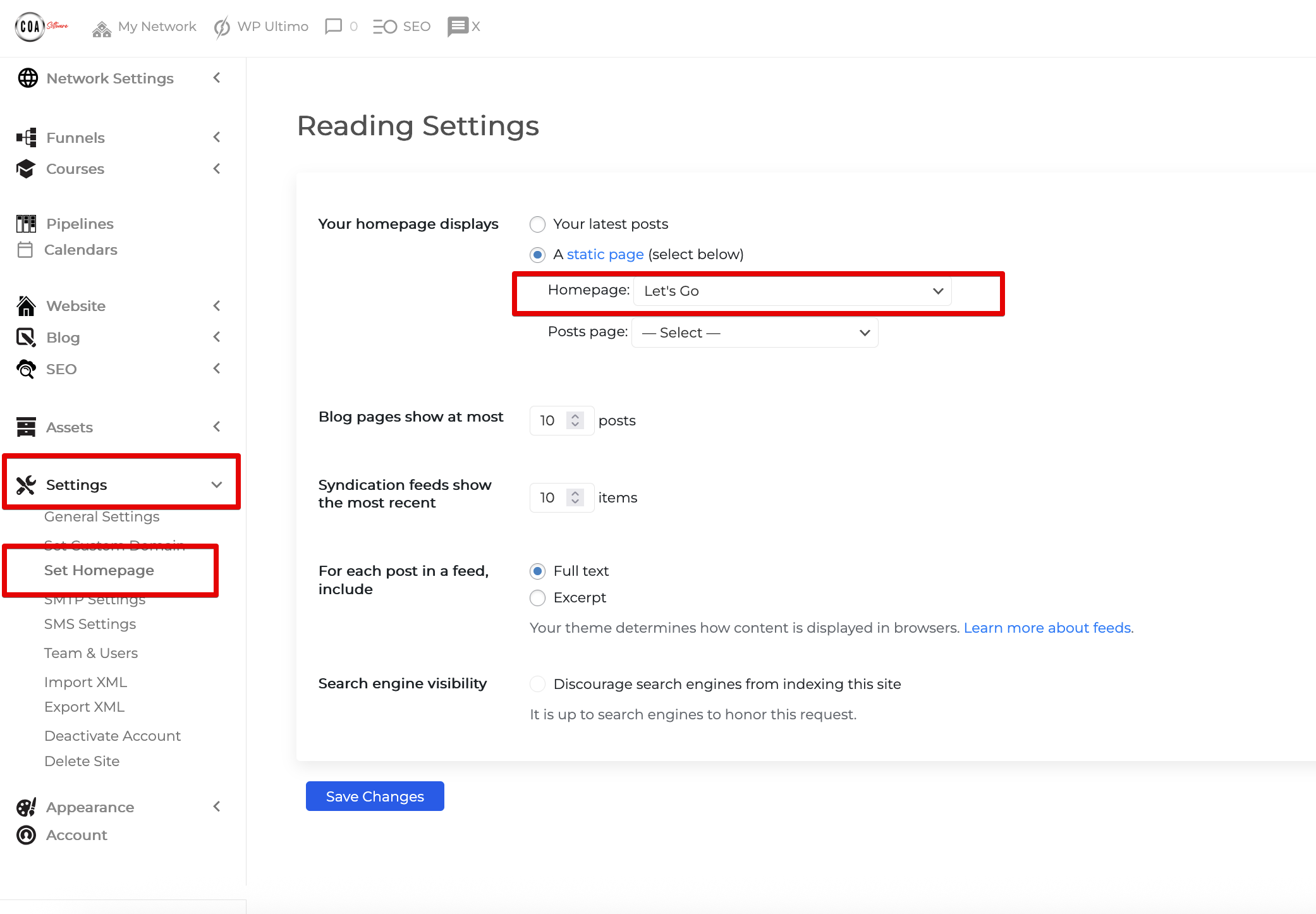
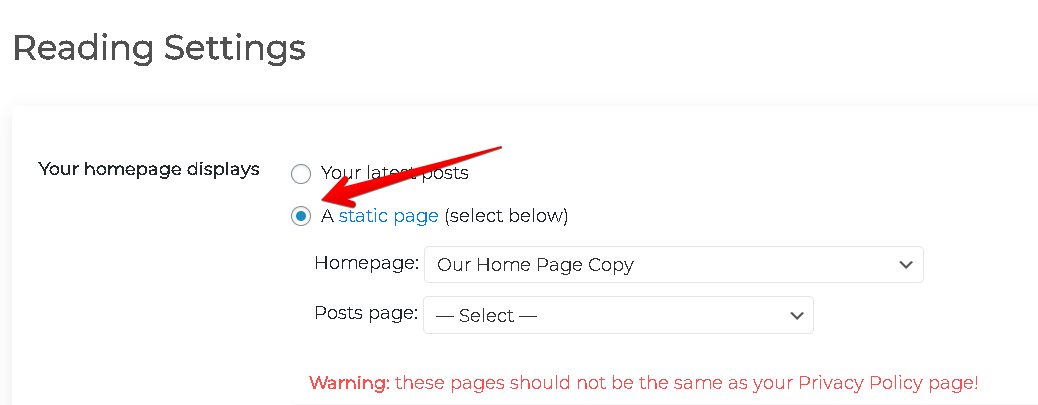
Step 2: Select the Radio Button A static page (select below)
Step 3: In the drop down, select your funnel page you want to be your default home page.
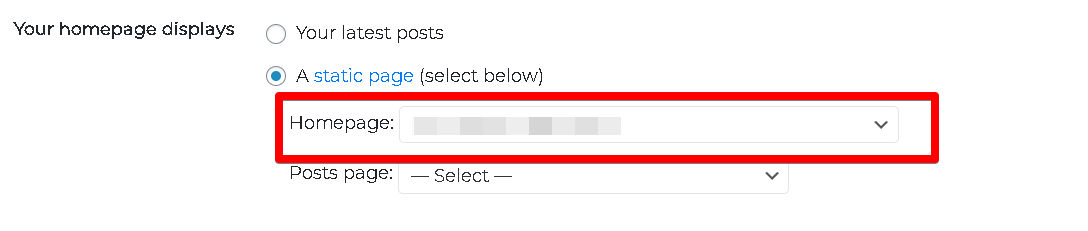
TIP: If you're having a hard time figuring out what you named your funnel, go back into your funnel pages and give it a unique name, so you can easily pick it out from the drop down list, especially if you have several funnels with similar names.
Step 4: Scroll to the bottom of the page and Save Changes
