Disconnecting the Zoom Integration.
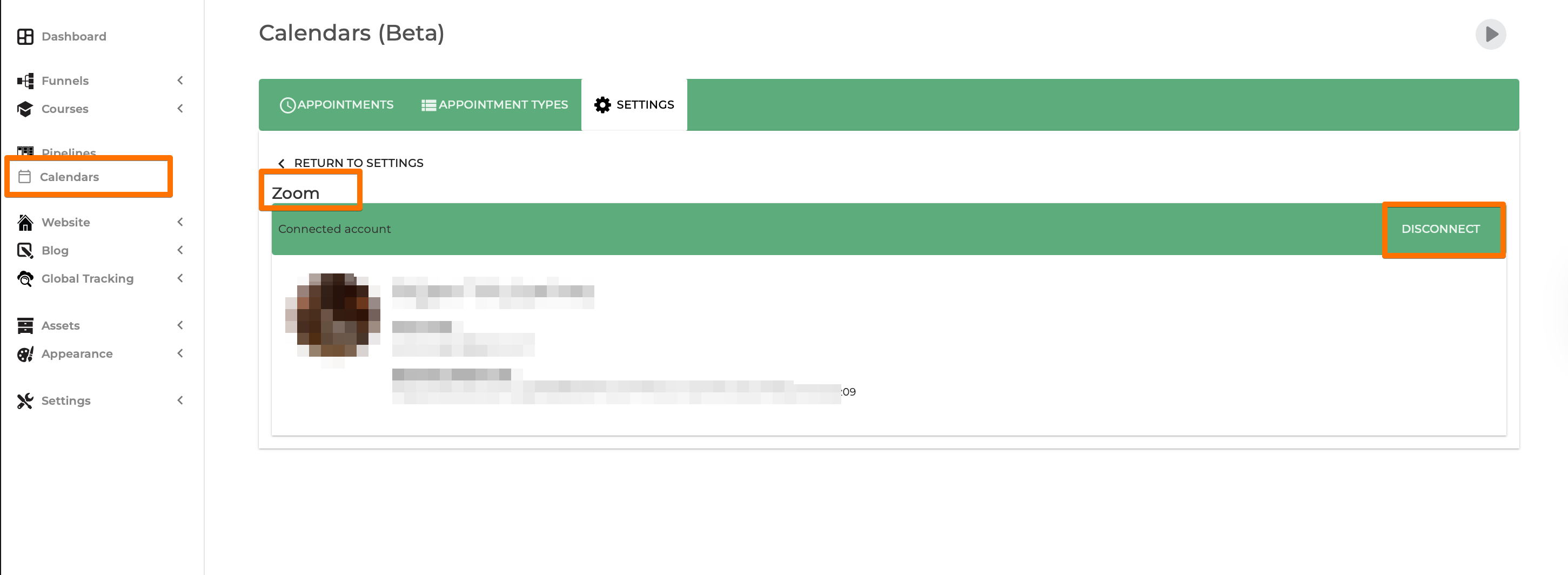
If you decide to discontinue the integration with SSA, you’ll need to Go to Calendar Settings > Zoom and click on the Disconnect button.
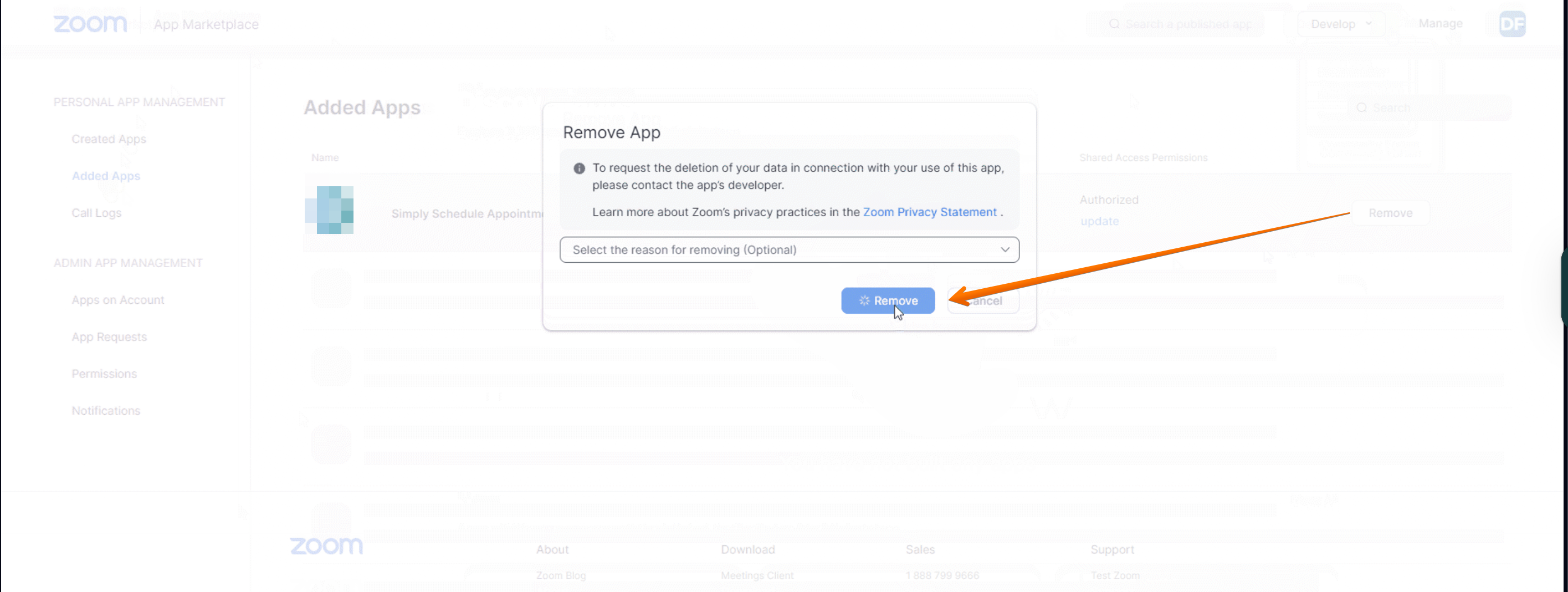
Uninstall in the App Marketplace
To uninstall it in your Zoom account, first, log in to your account. From your Profile page, go to the Advanced tab on the left sidebar. Click App Marketplace.
This should open a new page on the Zoom App Marketplace. Click on Manage on the top right side menu. Go to Installed Apps under My Dashboard. And here, you’ll see SSA; go ahead and click Uninstall. You may also browse this support Article from Zoom on how to remove Market apps.