How to send/reply to an SMS [BETA]
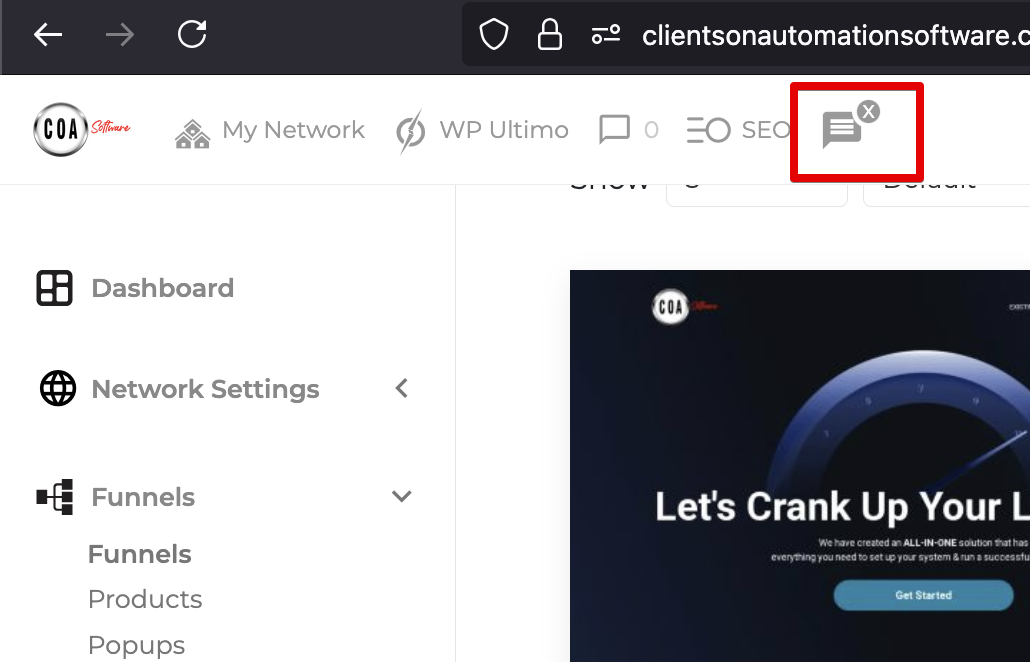
Step 1: Click The SMS message icon within your admin bar
Please note when you have an unread SMS this icon will appear darker.
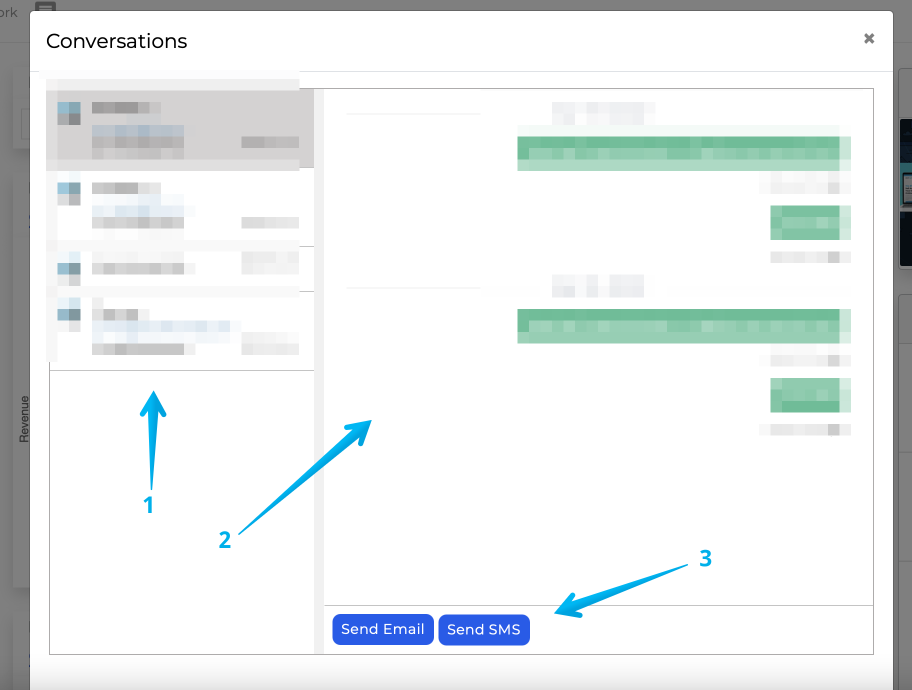
Step 2: SMS Inbox Section Break Down
Check 1: Customer List, should the number be known to Clients on Automation Software (via a lead or checkout we will display the name in addition to the number.
Check 2: This area will show your conversation with the selected customer.
Check 3: Click "Send SMS"
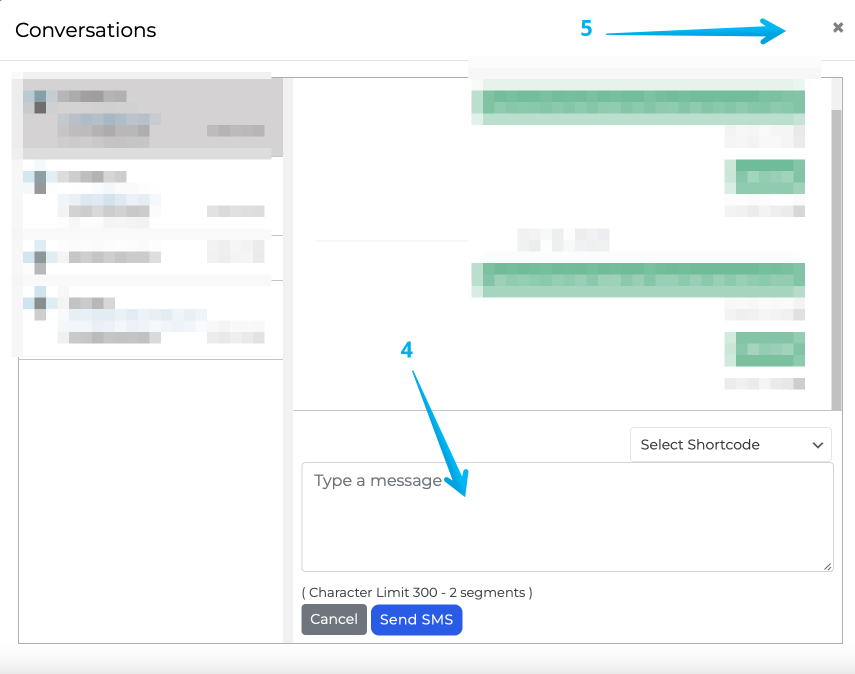
Check 4: To send another text message type within the box and click the send icon
Check 5: To close out of the message window click the X