
Clients on Automation Software Table of Contents Module
Add a table of contents to your web pages. You might want a Table of Contents to be displayed at the start of the page content. This module will help you display page’s or post’s content in a beautiful way without manually need to create a list of the titles.
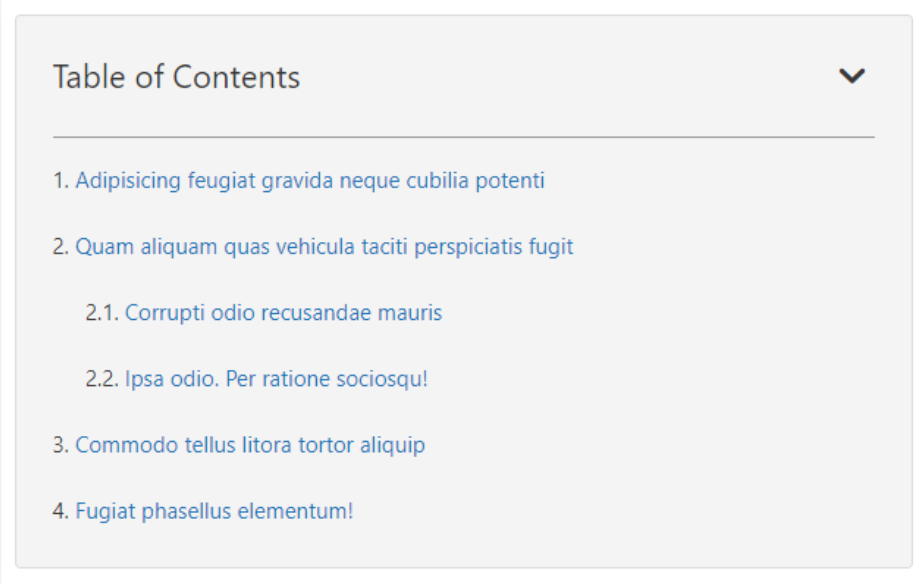
Using this module you will be able to add a table of contents at your desired location on the page. To start using the module, just like you add any other module in Clients on Automation Software editor –
- Drag and drop the Table of Contents module
- Or search for the Table Of Contents module to drag and drop in the Beaver Builder editor
There are a few styling features, let’s first get started with the Key Features –
- Fully customizable Table Heading and Contents
- Collapsible Button to Hide Table’s Content
- Exclude Specific Headings
- Smooth Scroll
