How To Export Sales / Lead Data
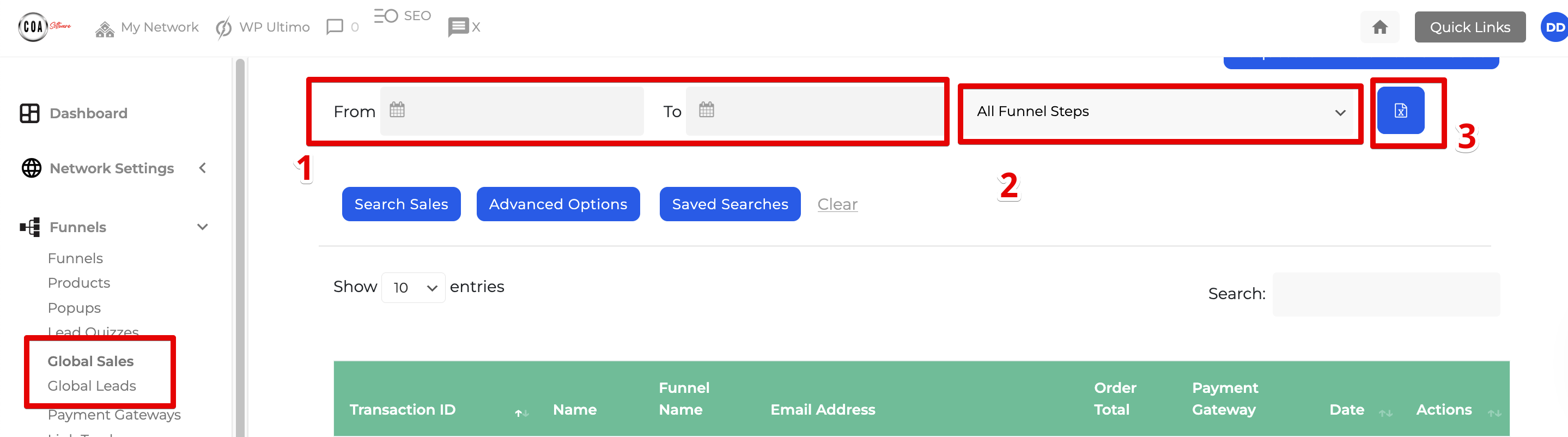
Filter the date of the data that you want to export and select a funnel
Every Sales / Lead report has an export button that allows you to take the data you currently have filtered and export it to a Spreadsheet editable CSV format.
Once you have filtered your data as required click the icon (as picture below) within your report to download the data.