
"We are revamping our Knowledge Base articles to serve you better. In case you find something unusual, do not panic. Reach out to our Support Team by submitting a ticket if you ever need some help.”

User Reports

Course User Reports

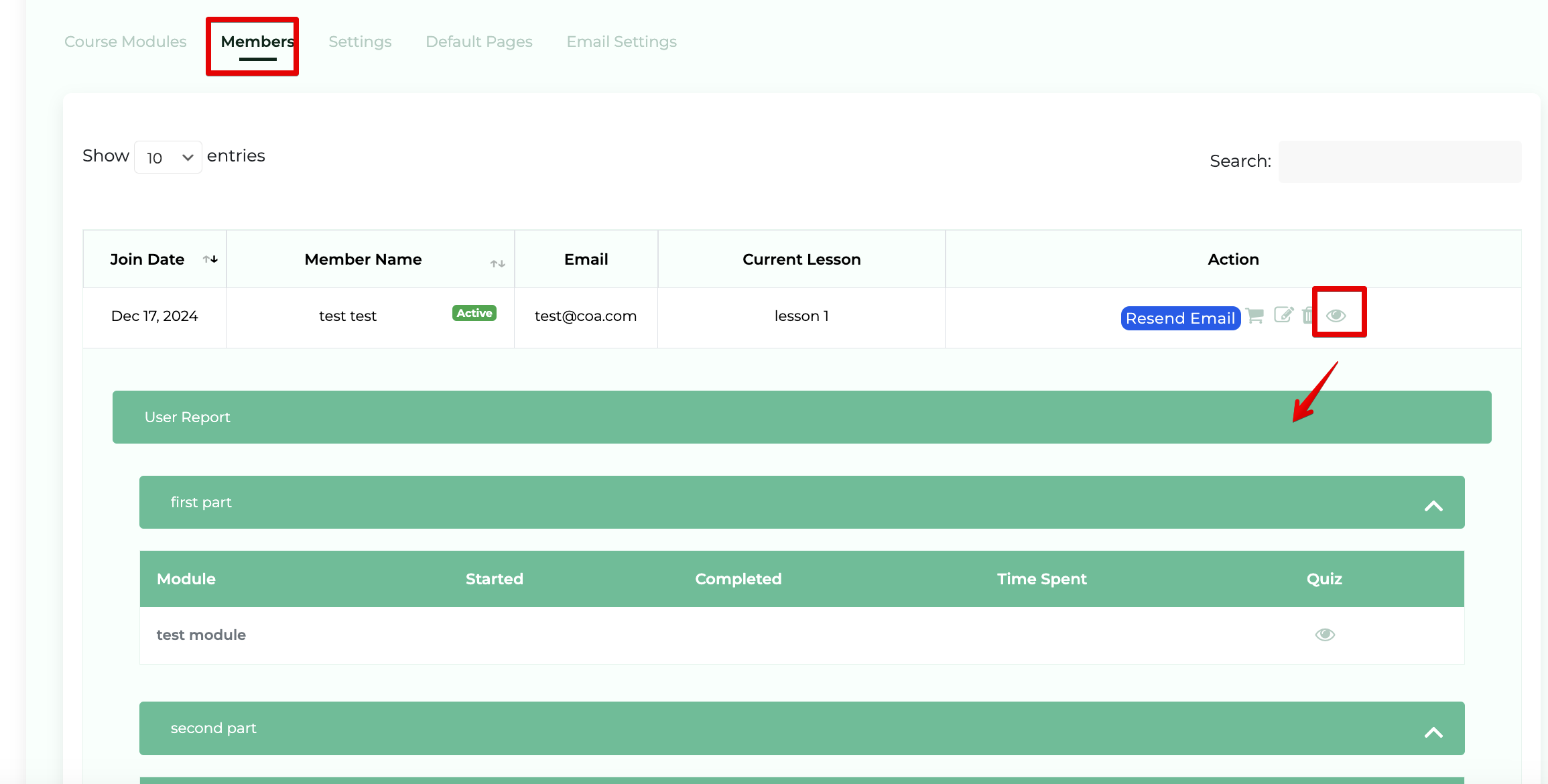
Step 1: Select Members > View User Report when within a course

Navigate to the course which contains the member you'd like to view. Click on Members (1) within the list and Under the actions column click "View User Report"(2) [eye icon]. 
Monosnap Courses ‹ Clients On Automation — WordPress 2025-04-25 03-16-57
Was this article helpful?

Related Articles
